Volume Measurement
Volume Measurement allows you to calculate cut and fill volumes directly from drone imagery. By defining a surface area, Evercam automatically calculates volume differences, area, and perimeter, helping teams quantify materials, track earthworks progress, and support planning decisions without manual calculations.

How to Measure Volume
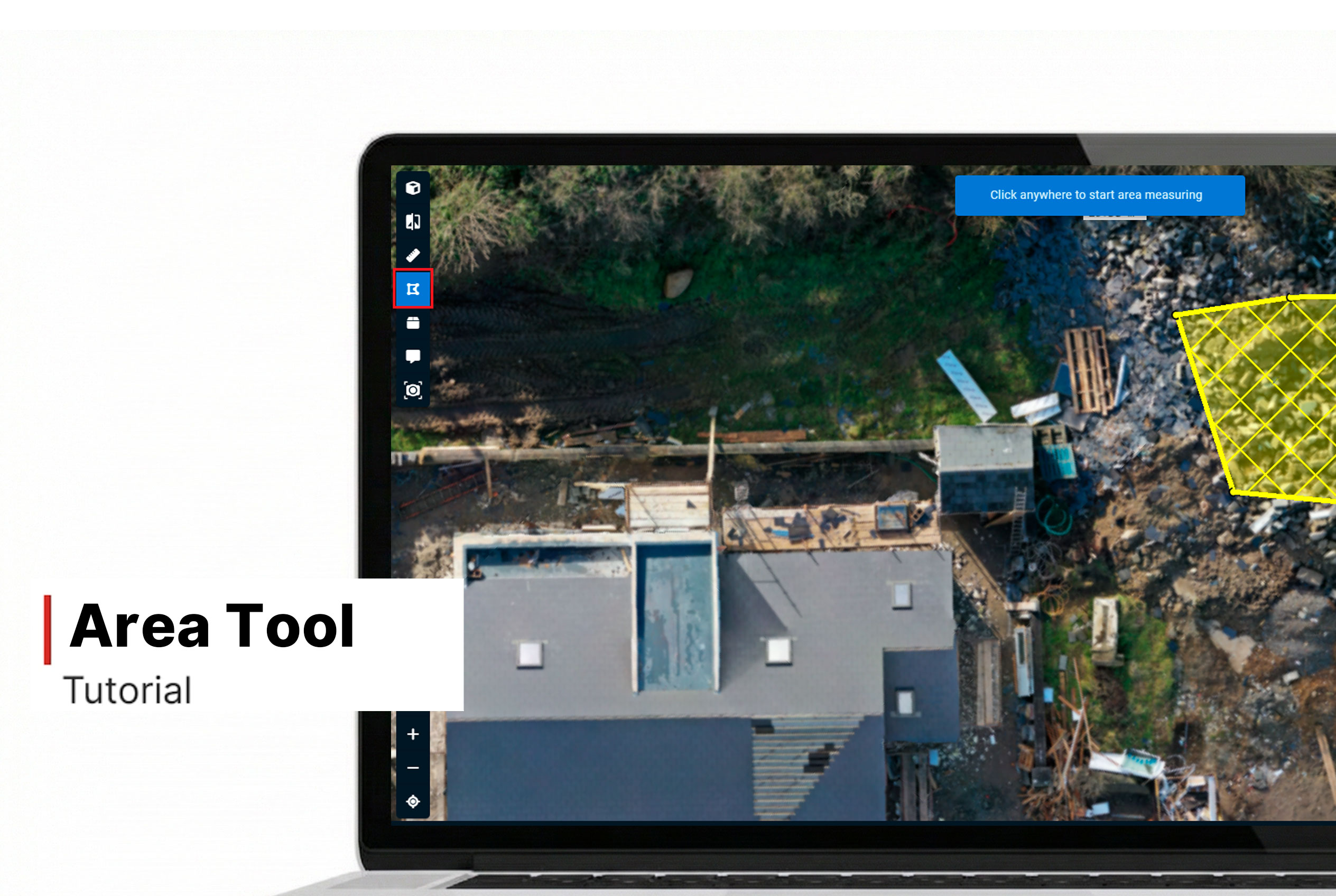
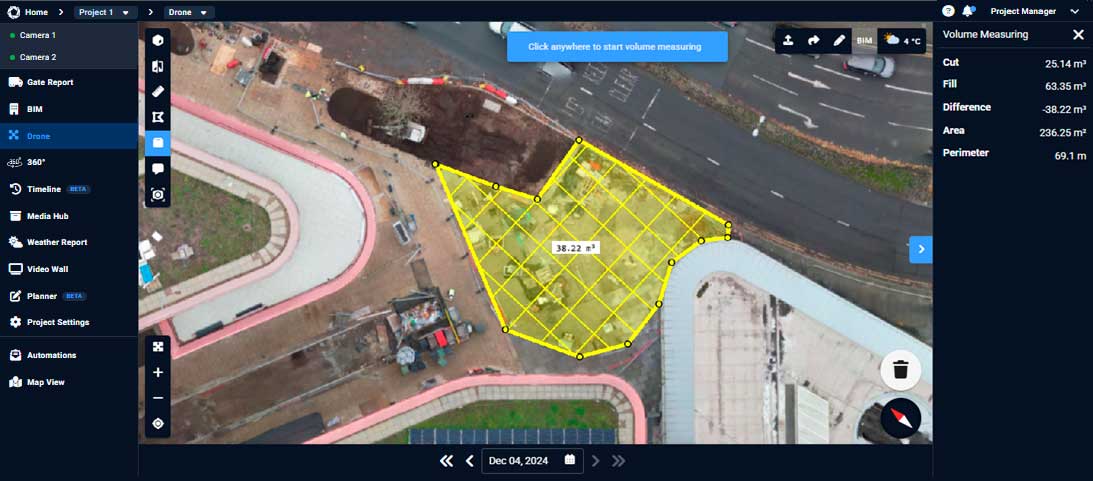
- Click the Volume icon in the top left corner of the Drone view.
- This enables the base outline tool.
- Click to create the base shape.
- The system uses a Line of Best Fit method to calculate:
- Cut: Material above the base
- Fill: Material below the base
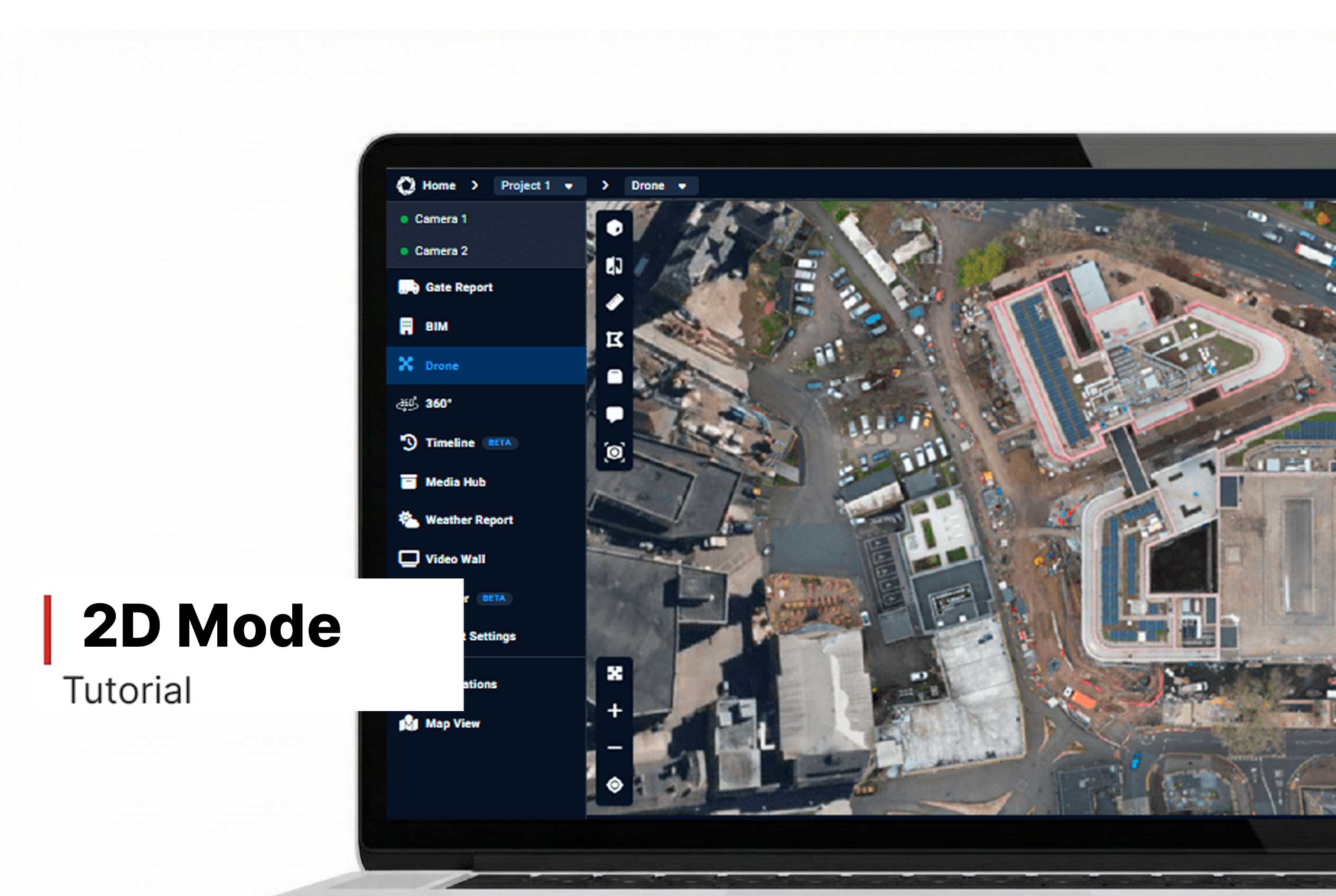
- For best accuracy, switch to 2D Mode before measuring.
- View the Cut, Fill, Difference, Area, and Perimeter in the top left corner of your screen.
Want More Details?
Read the full guide in our User Manual.
[[cta]]