Record Your Entire Jobsite with 4k Video
With Evercam construction cameras, everything that happens on your construction site is recorded locally, in high-resolution, and to the cloud.
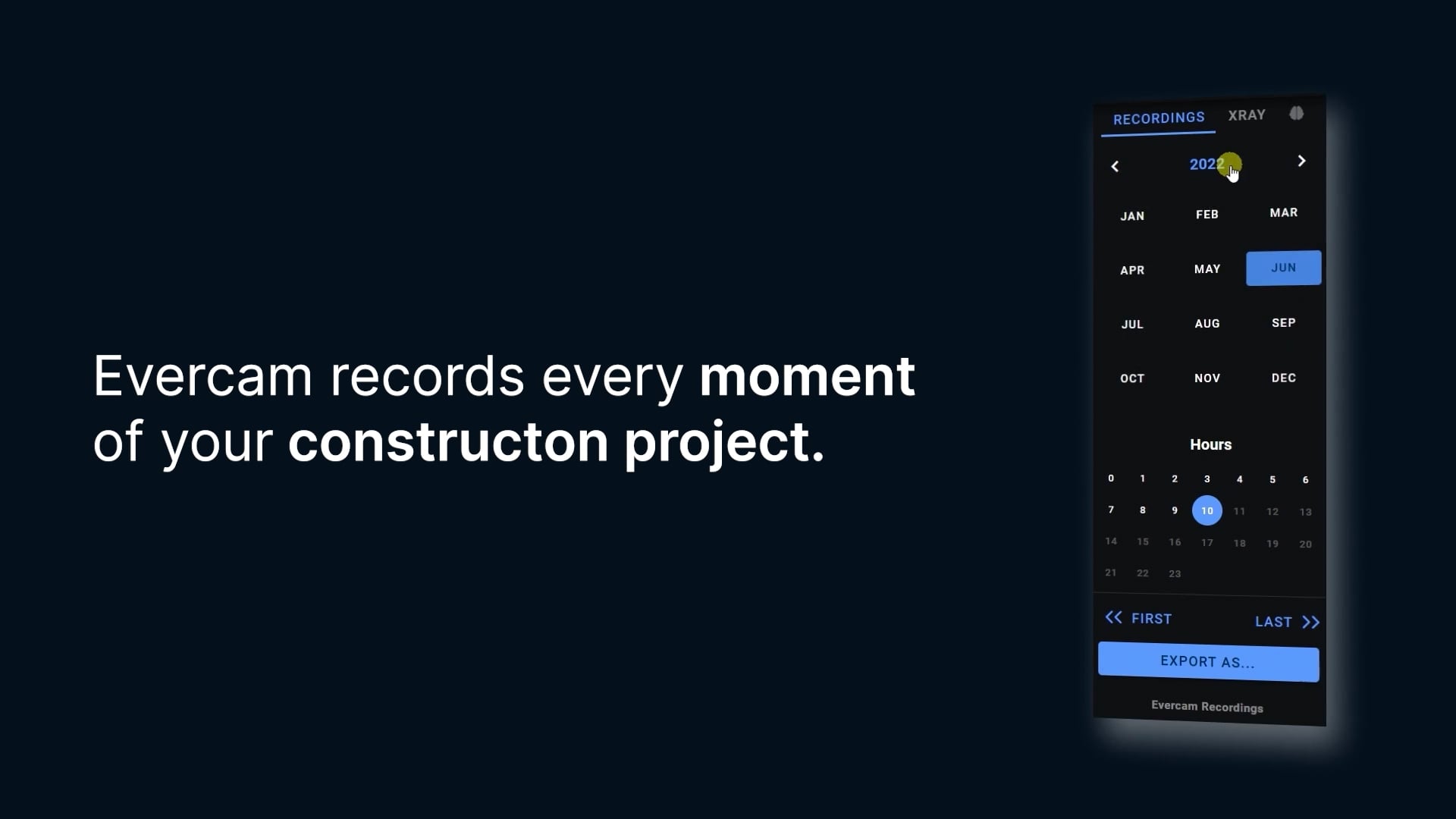
Never Miss a Moment
Your entire construction project is recorded in 4K and easily accessible from the “Recordings” tab in the Evercam dashboard. Our easy-to-use interface lets you view recordings by date and time, create clips, and store them in your archive. All footage is stored in the cloud in real time, so you never have to wait to access it.
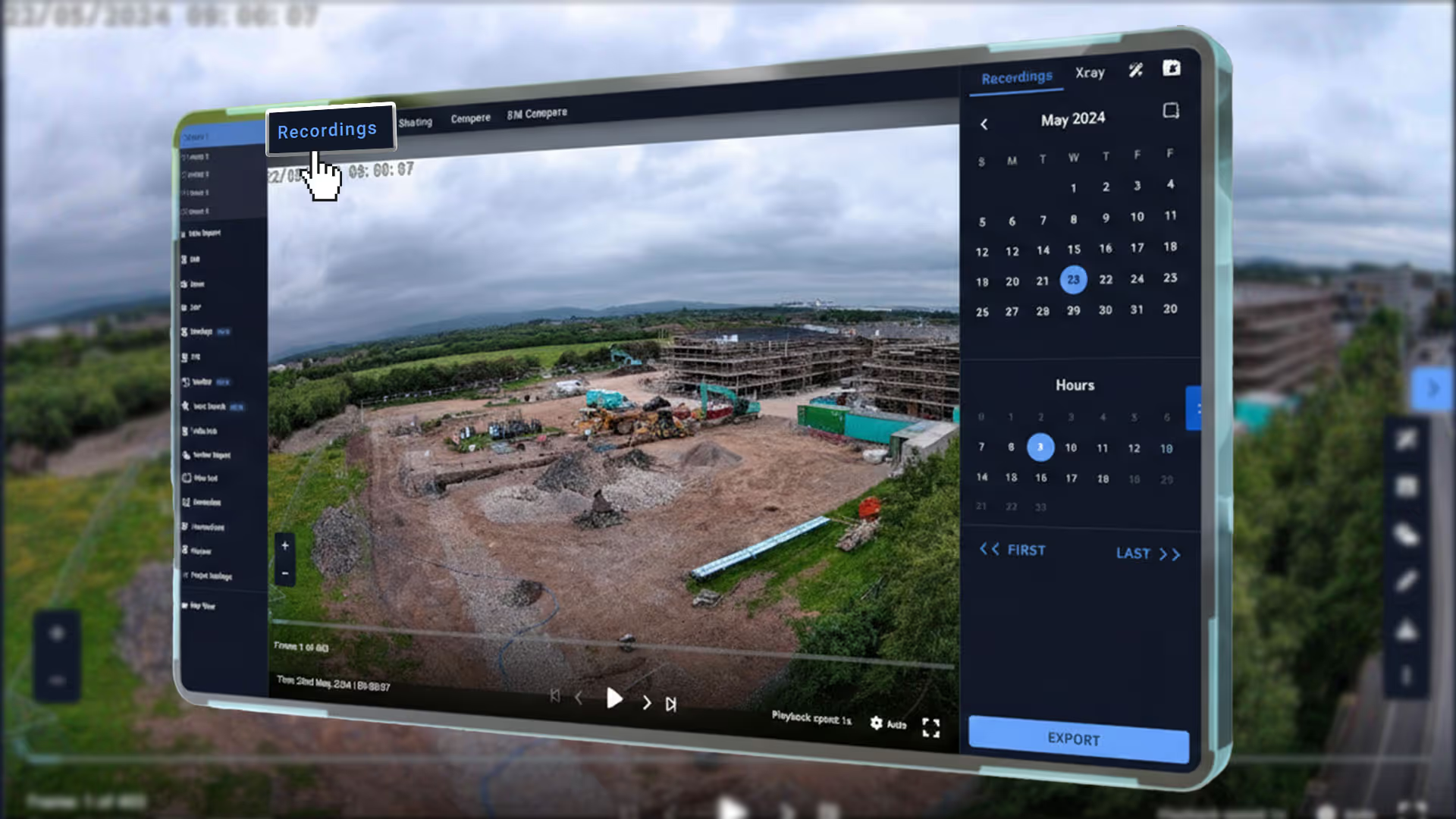
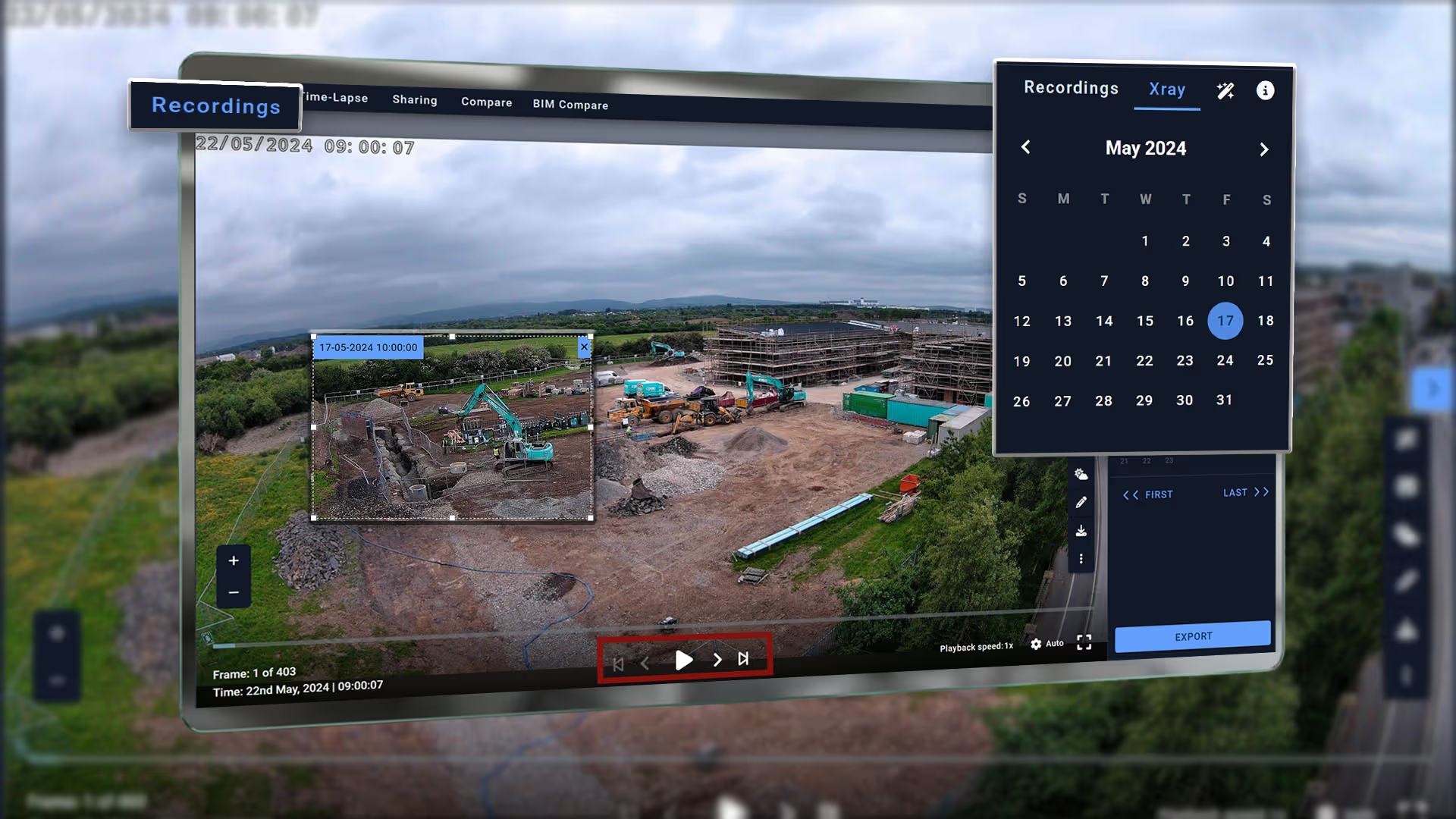
The Benefits of Recording Your Projects
Health & Safety: Capture every incident that happened on your construction site and own the evidence
Social media: create short clips to highlight an event that happened on your site and promote your project
Communications: Share progress updates internally with project stakeholders
Learn how to use this feature here.
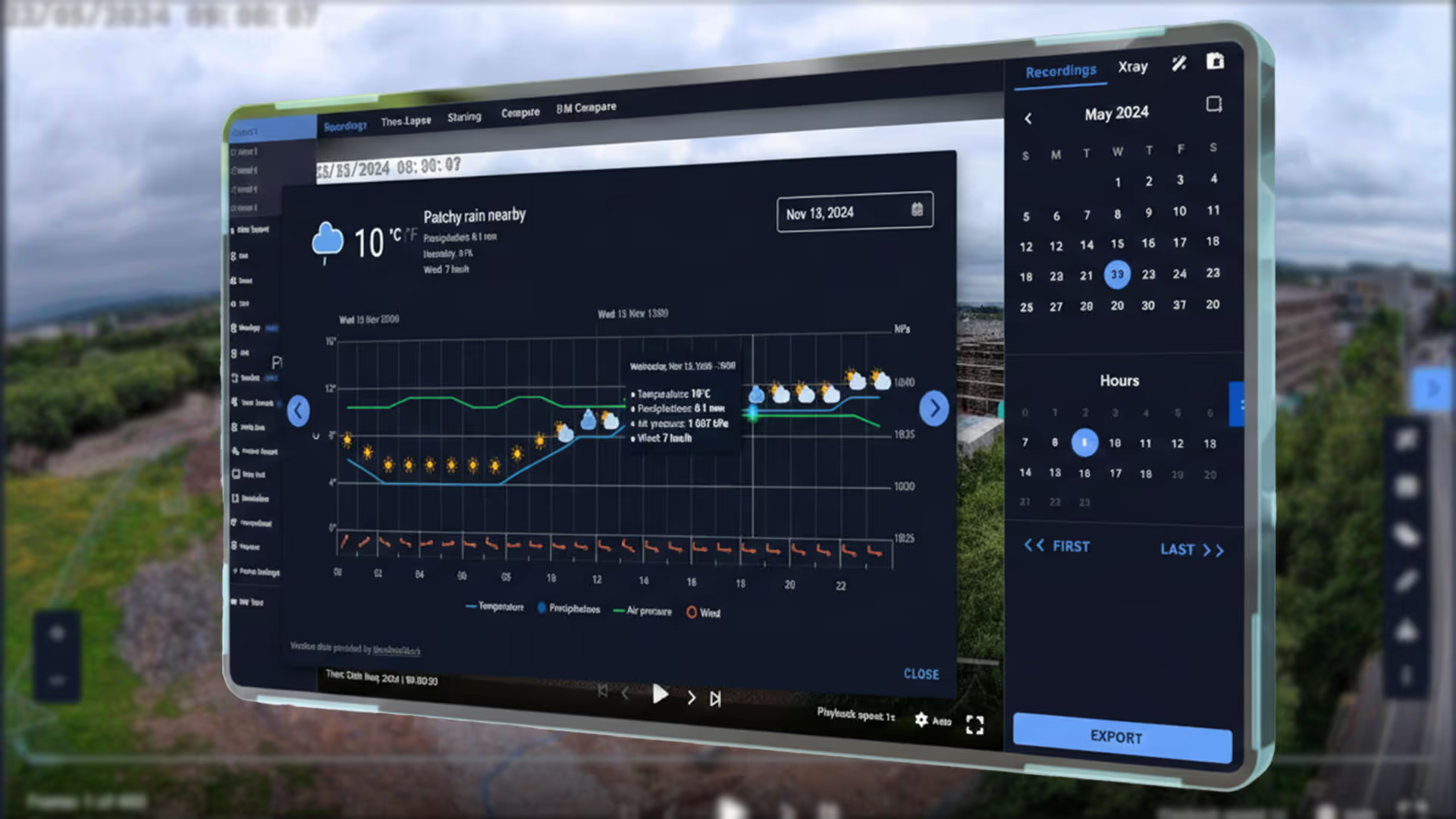
Historical Weather Data
Go back in time and verify whether weather conditions caused a delay. Review precipitation levels, rain or snow that may affect claims or liability, including temperature, humidity, and wind measurements — all backed by time-stamped data.

FAQs
Practical information about how Evercam works, what it does, and how teams use it.
1. Does Evercam record continuously?
Recording behaviour depends on your hardware and configuration. Some projects use local continuous recording. Others use cloud‑based image intervals. See the User Manual for configuration details.
2. What resolution are Recordings captured at?
Cameras capture high‑resolution imagery, including 4K where supported by the camera and hardware.
3. Can I download or share recordings?
You can export still images or short clips from specific times. These are stored in the Media Hub. Permissions apply. See the User Manual for export rules.
4. How far back can I review footage?
Retention depends on your project setup and storage configuration. Details are outlined in the Tutorial page.
See Your Project Clearly From Day One
Schedule a demo and discover how Evercam’s unified platform improves visibility, accountability, and decision-making across your projects.