Construction Time-Lapse Cameras Done Right
Evercam delivers construction timelapse in two ways, Time-Lapse Creator and Time-Lapse Pro, both powered by the same visual platform.
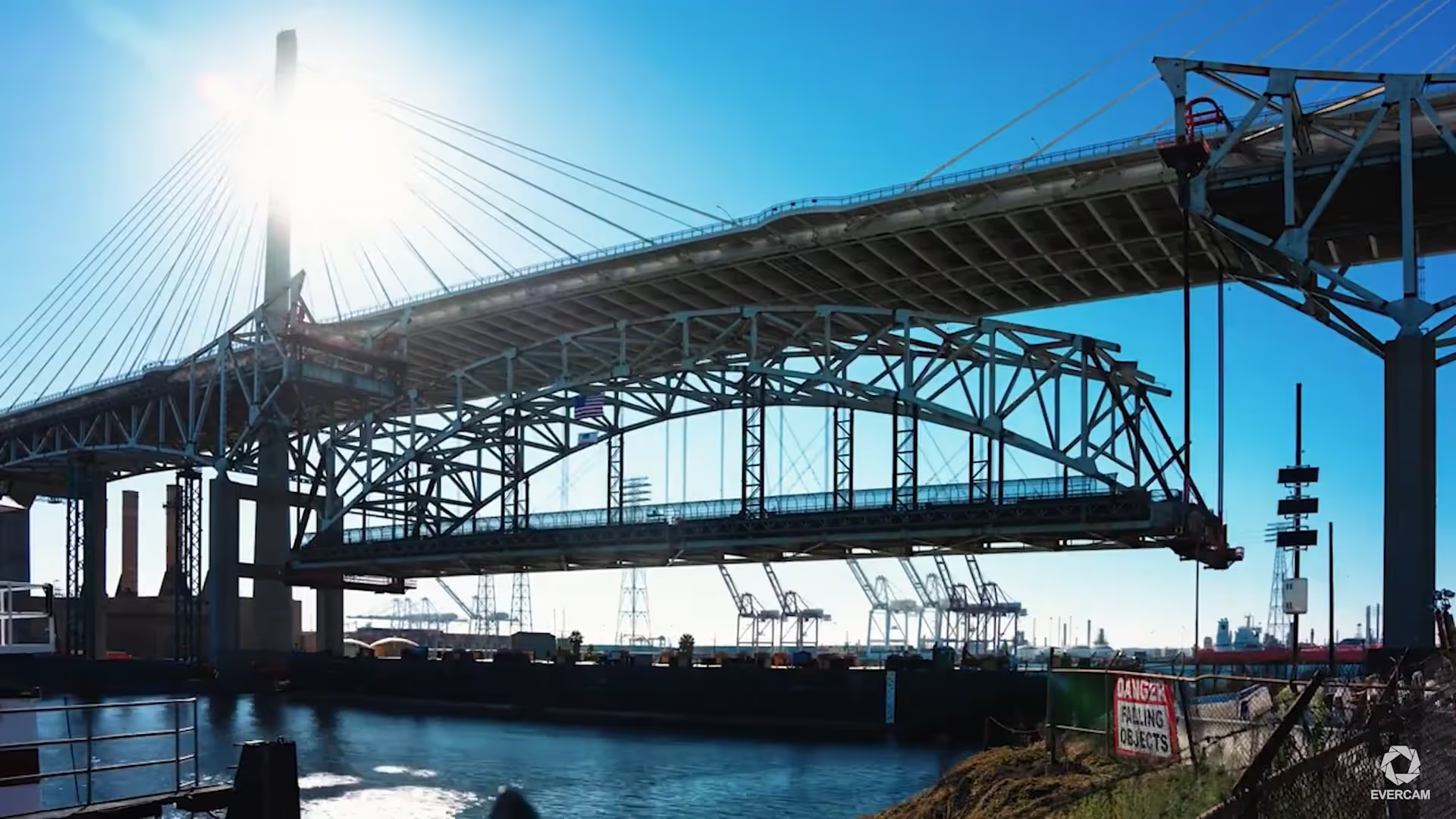
Get More Done with Evercam
Satisfy owner documentation requirements
Provide clear visual progress updates
Verify when work occurred on site
Support reporting, reviews, and close-out
Share a polished summary of the build
Two Ways Evercam Delivers Timelapse
Both tools use the same Evercam camera data. Each supports a different use of time-lapse across the project lifecycle.
Included
Automated image capture at scheduled intervals
Generate clips on demand by date range or milestone
Ideal for progress meetings, audits, and owner reporting
No exporting, no third-party tools
Time-Lapse Creator gives PMs a dependable visual record throughout the project — not just at the end.
Subscription Service
Monthly professionally edited project videos
Custom pacing, framing, and branding
Managed end-to-end by Evercam
Designed for exec updates, bids, and public sharing
Every Evercam project also receives a professionally produced end-of-project timelapse — regardless of whether Time-Lapse Pro is purchased.
Included with Every Evercam Project
Every project — regardless of Time-Lapse Pro subscription — receives a professionally produced, custom end-of-project timelapse.
Need Help with Time Lapse Pro?
See Evercam Timelapse in Action
Real projects. Real results. Watch how construction teams use Evercam timelapse.
Designed for Construction, Not Just Cameras
Evercam timelapse is powered by a platform built specifically for construction workflows:
Timelapse is One Output. Not the Entire Product.
FAQs
Practical information about how Evercam works, what it does, and how teams use it.
1. Why is Time-Lapse Creator important?
It allows teams to create time-lapse videos directly in the Evercam platform to review progress and support coordination over long project durations.
2. What is the difference between Time-Lapse Creator and Recordings?
Recordings capture short, high frame-rate clips for specific moments or incidents.Time-Lapse Creator shows overall progress across longer periods.
3. Can I customise Time-Lapse Creator videos?
Yes. You can apply your company logo. Videos are delivered in HD at 1080 × 720 resolution, with typical file sizes between 100 and 160 MB.
4. What does Time-Lapse Pro include?
One professionally edited time-lapse video per project per month, tailored to your requirements.
5. Who can request a Time-Lapse Pro video?
A designated Project or Camera Owner requests and approves professional time-lapse videos.
Document Progress From Start to Finish
Schedule a demo and see how automated time-lapse creates a consistent visual record of milestones and completed work.