Area Measuring
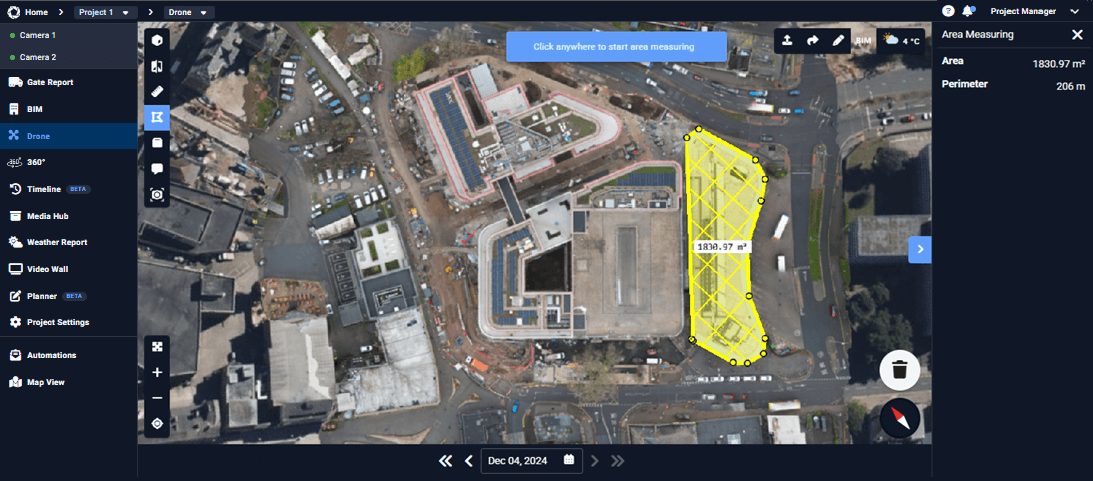
The Area feature allows you to measure surface areas directly on site imagery. By outlining an area on camera views or drone captures, you can quickly calculate surfaces such as slabs, roofs, excavation zones, or material storage areas, supporting planning, verification, and quantity estimation without manual measurements.
How to Measure an Area
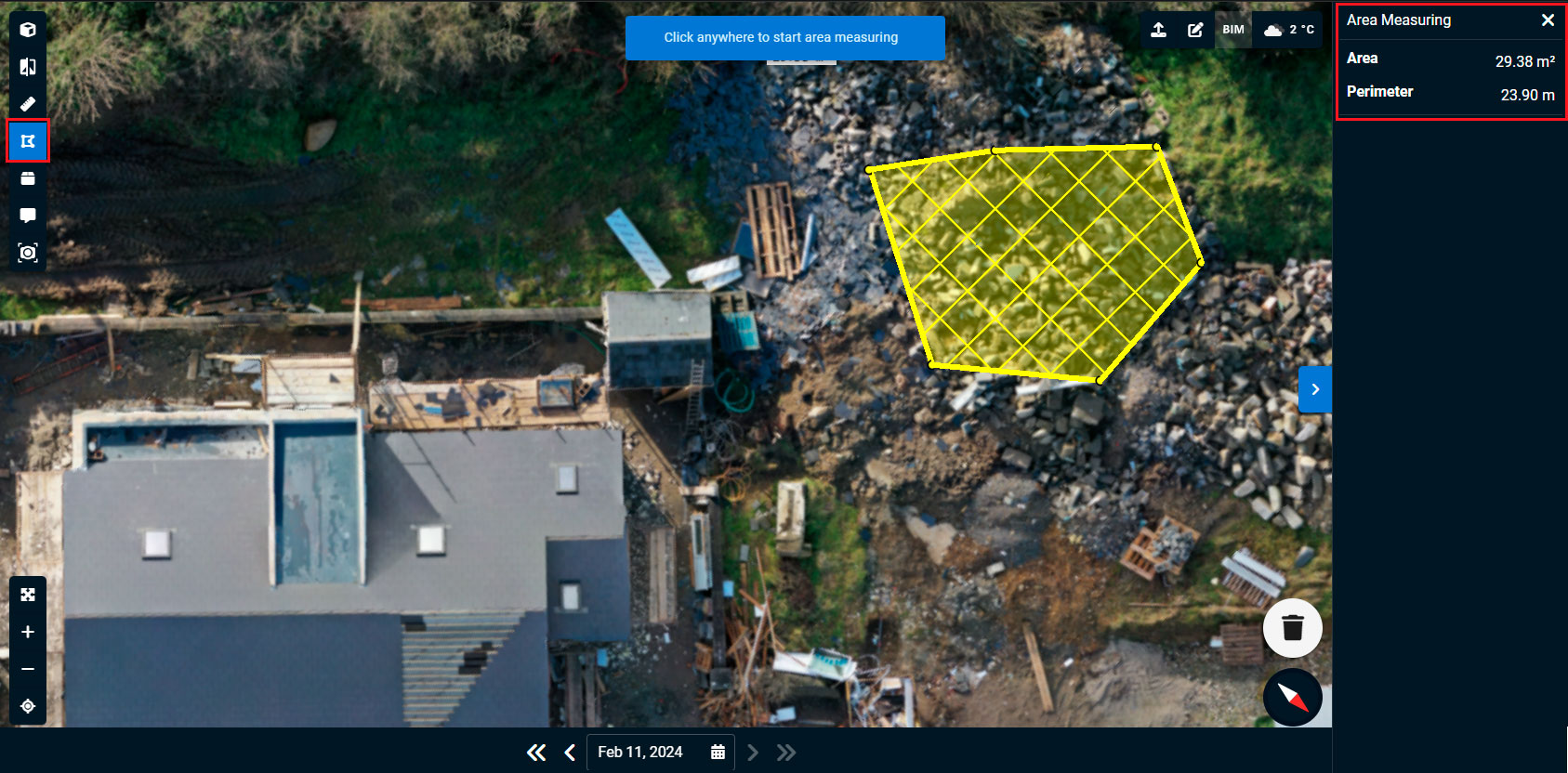
- Click the Area icon in the top left corner of the Drone interface.
- This activates polygonal measurement mode.
- Click three or more points to draw a closed shape.
- The calculated area will be displayed inside the polygon on the mesh.
- In the top right of your dashboard, you’ll see the total distance of your measured area.
- Rotate the model or zoom in to ensure accuracy.
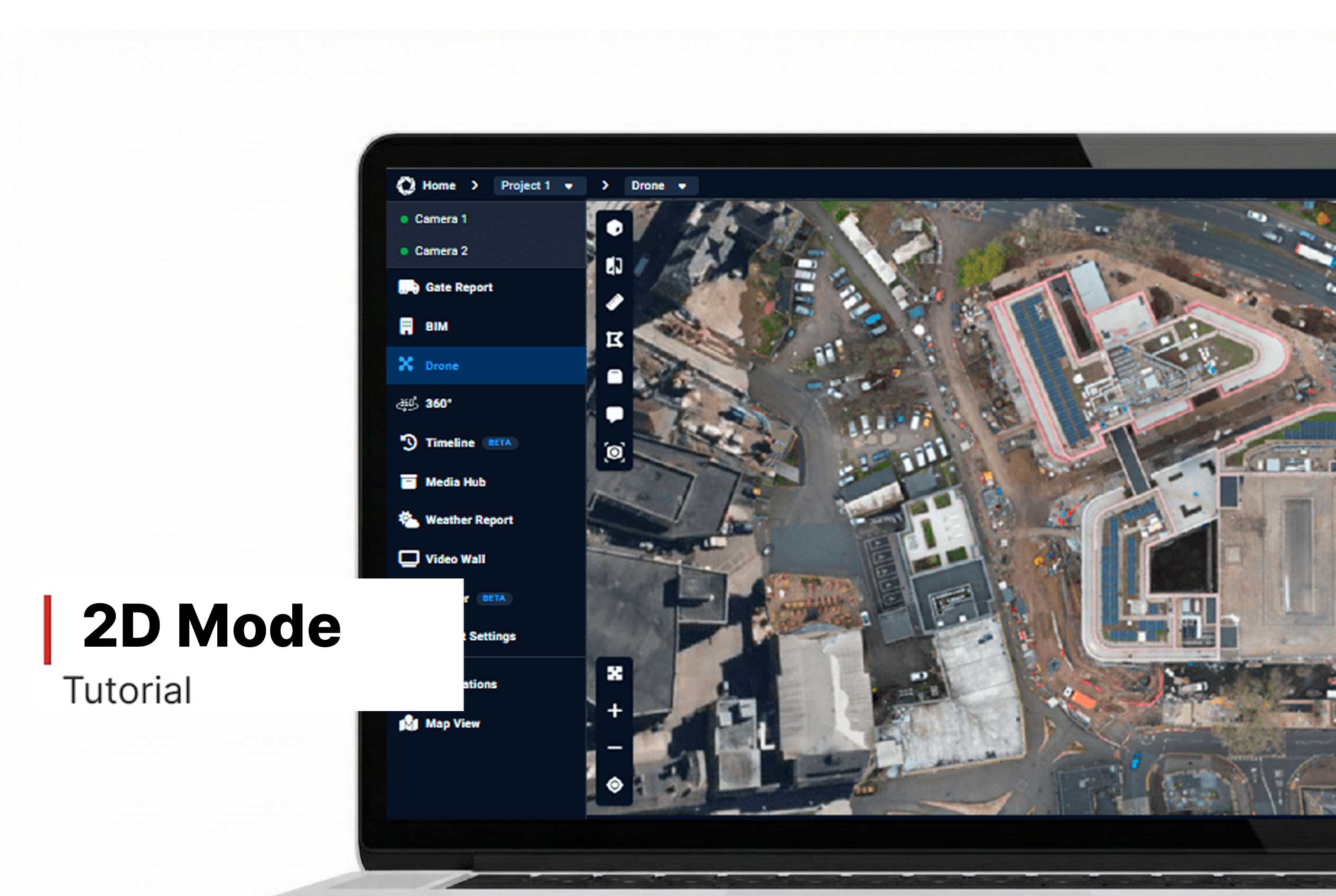
- For better results, consider switching to 2D Mode.
Want More Details?
Read the full guide in our User Manual.
[[cta]]