Zoom
Super Zoom allows you to digitally zoom into specific areas of your camera footage while preserving image clarity. It helps teams inspect fine details on site, such as finishes, installations, or safety elements, without needing to physically revisit the location. This feature is especially useful for progress checks, quality inspections, and remote reviews, giving teams greater confidence when a

How to Use the Zoom Tool
1. Open Zoom
- Log in to Evercam.
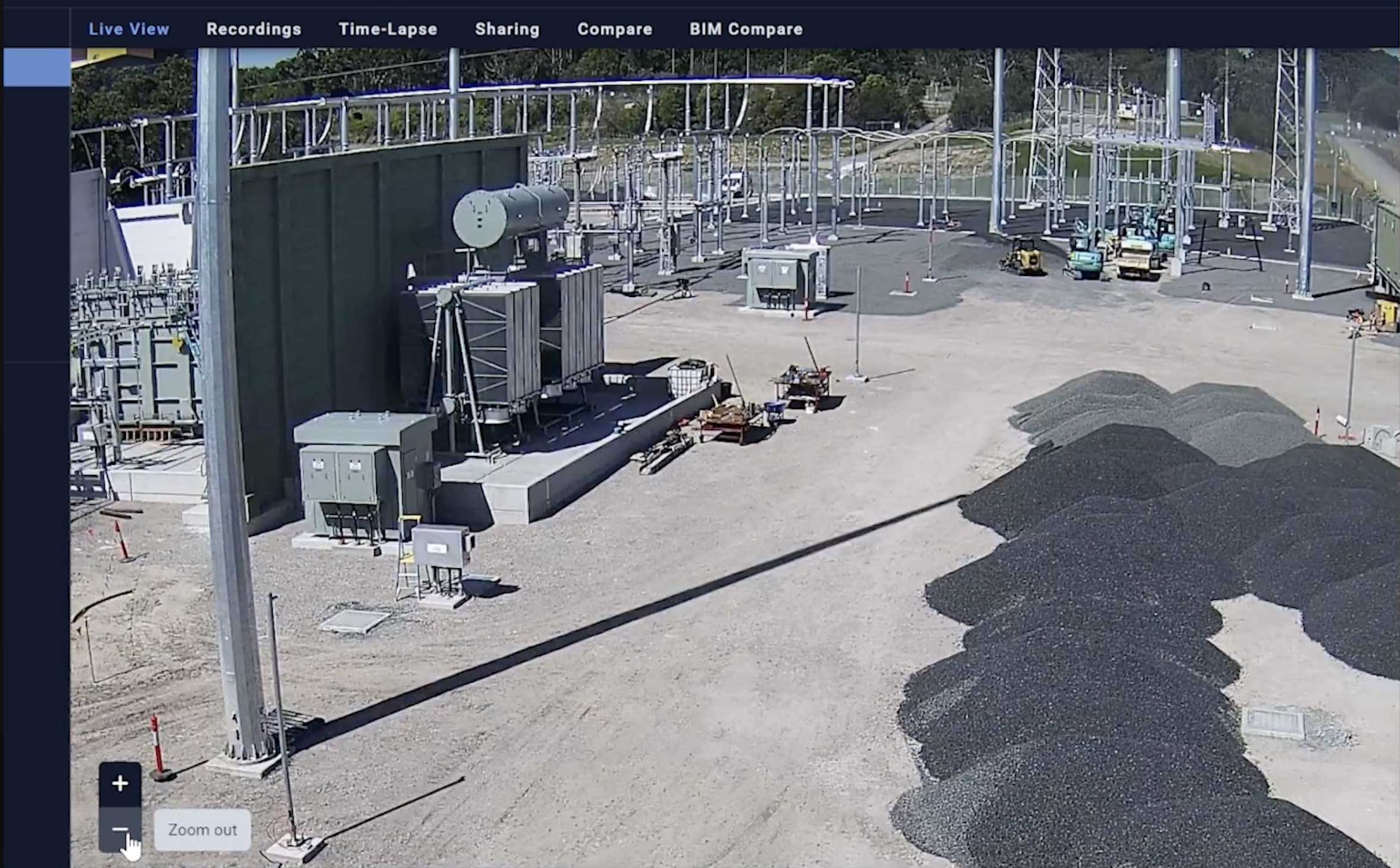
- Go to the Live View or Recordings tab.
2. Zoom In & Out
- Use your mouse wheel to zoom in and out.
- Or adjust the zoom slider on the left side of the screen.
3. Focus on Key Areas
- Click and drag to pan across the image.
- Zoom in to inspect specific details – without losing image quality.
Want More Details?
Read the full guide in our User Manual.
[[cta]]