360° Capture
360° Capture is a tool within the Evercam platform that allows teams to capture and view immersive 360-degree images of a construction site. It provides additional spatial context alongside standard camera views, helping users review site conditions, understand surroundings, and document progress without being physically on site.

See Your Entire Site with 360° Views
The 360° Camera Tool gives you a complete, interactive view of your site, helping you track progress, monitor safety, and enhance collaboration.
How to Use the 360° Camera Tool
1. Access the 360° Camera
- Click the 360° tab in the Evercam dashboard.
- Select a camera from the available list.
2. Explore the Site in 360°
- Click and drag to rotate the view in any direction.
- Use the zoom controls to focus on specific areas.
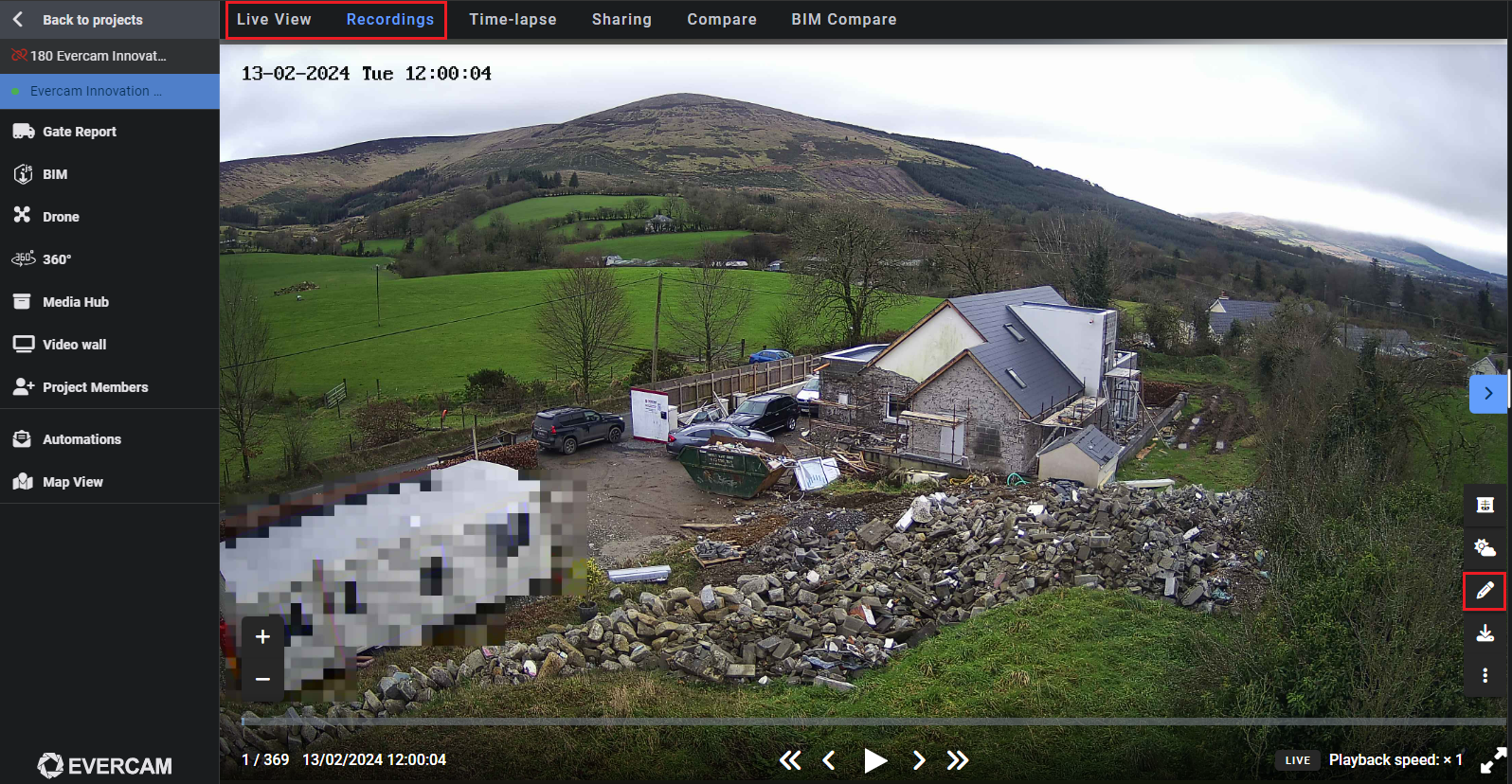
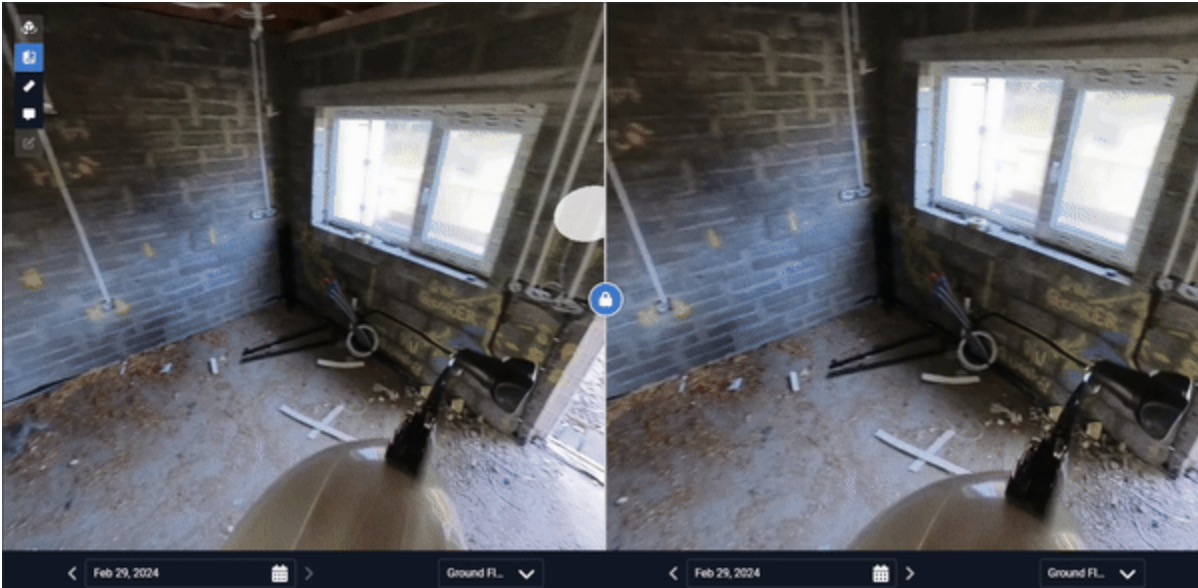
3. Compare Site Progress
- Switch between different dates to track changes over time.
- View images side by side for easy comparison.
4. Share & Save Views
- Capture a snapshot and save it to the Media Hub.
- Share a direct link to the 360° view with your team.
Want More Details?
Read the full guide in our User Manual.
[[cta]]