Contact us

Thank you! Your submission has been received!
Oops! Something went wrong while submitting the form.

Forget About the Big Picture, Think About the Camera

Forget the big picture, focus on the camera. Elevate your perspective. Explore now for sharper insights!

Instructions
If you intend to use this component with Finsweet's Table of Contents attributes follow these steps:
  1. Remove the current class from the content27_link item as Webflows native current state will automatically be applied.
  2. To add interactions which automatically expand and collapse sections in the table of contents select the content27_h-trigger element, add an element trigger and select Mouse click (tap)
  3. For the 1st click select the custom animation Content 27 table of contents [Expand] and for the 2nd click select the custom animation Content 27 table of contents [Collapse].
  4. In the Trigger Settings, deselect all checkboxes other than Desktop and above. This disables the interaction on tablet and below to prevent bugs when scrolling.
Affan Qureshi

Table of contents

Affan Qureshi

Sometimes, wandering through the web, �one comes across great wisdom.

To whoever the creator of this was, thank you.
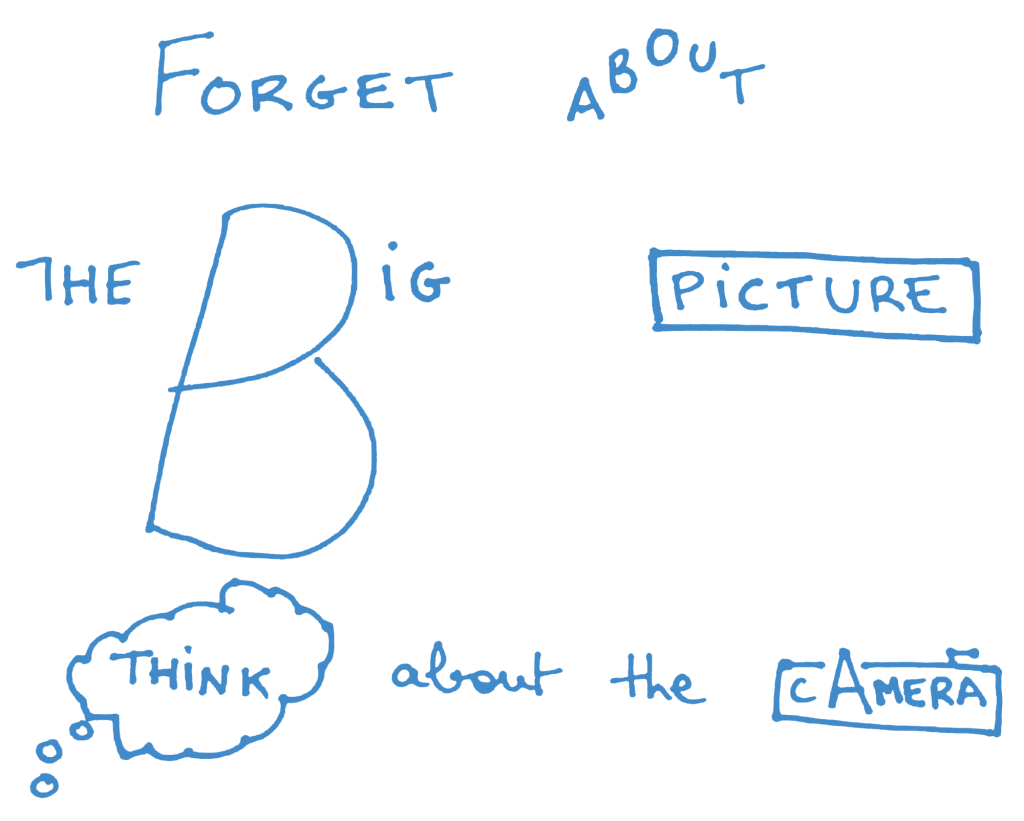
So true.

PUBLISHED ON
March 20, 2014
CATEGORY
Blog