
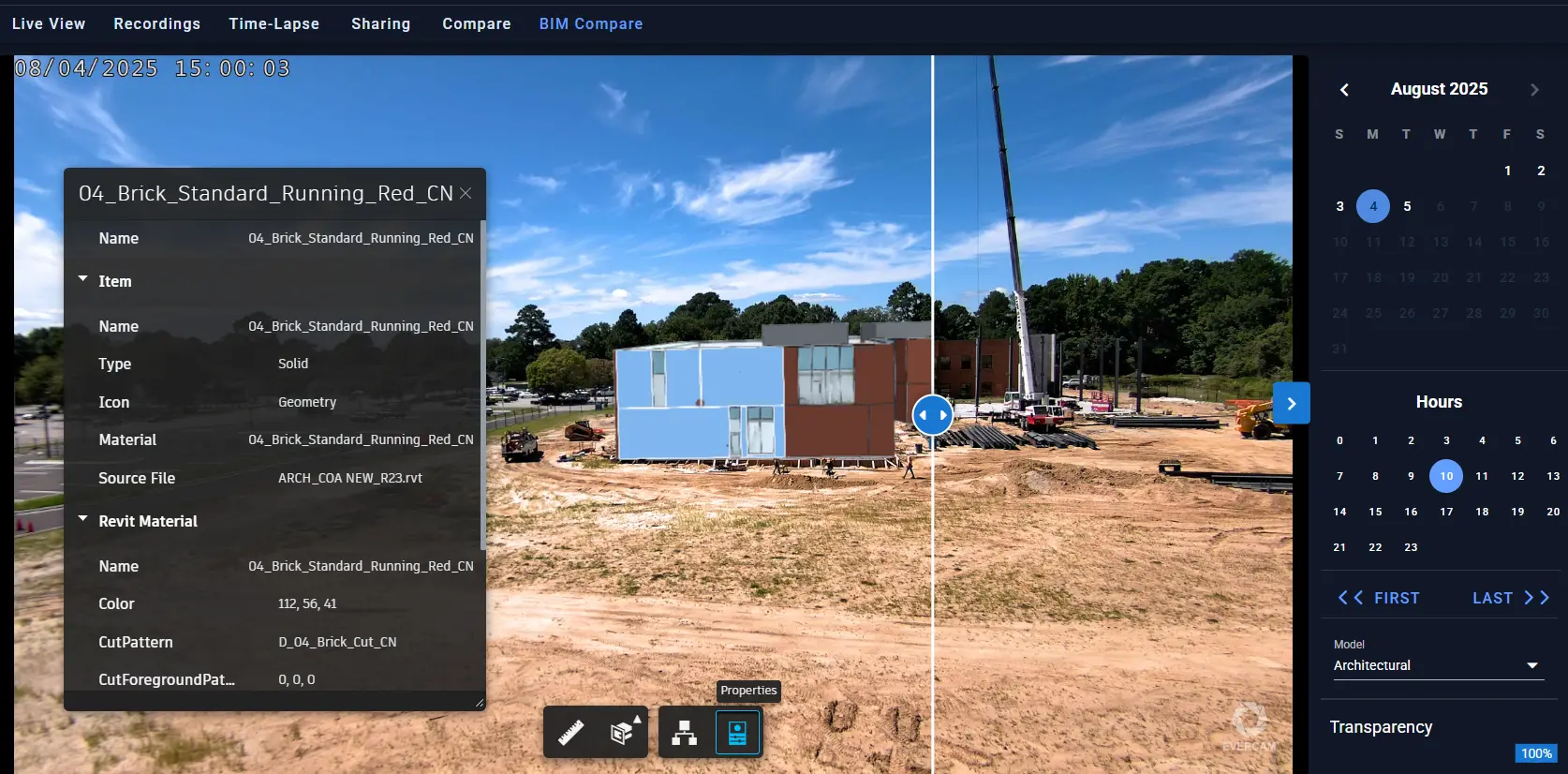
Autodesk Forge is a comprehensive set of cloud APIs and services that enables the Evercam platform to seamlessly view, analyze, and interact with 3D models and other design data created in Autodesk tools like Revit and Navisworks. Through Forge integration, Evercam empowers users to visualize BIM models directly alongside real-time or recorded construction camera footage. This powerful integration supports advanced features including viewing element properties, isolating model components, and navigating models interactively�all within the same interface used to monitor site progress. Our BIM Integration is available across all Evercam solutions:
- Drone cameras - Overlay BIM models with aerial footage for comprehensive site overview
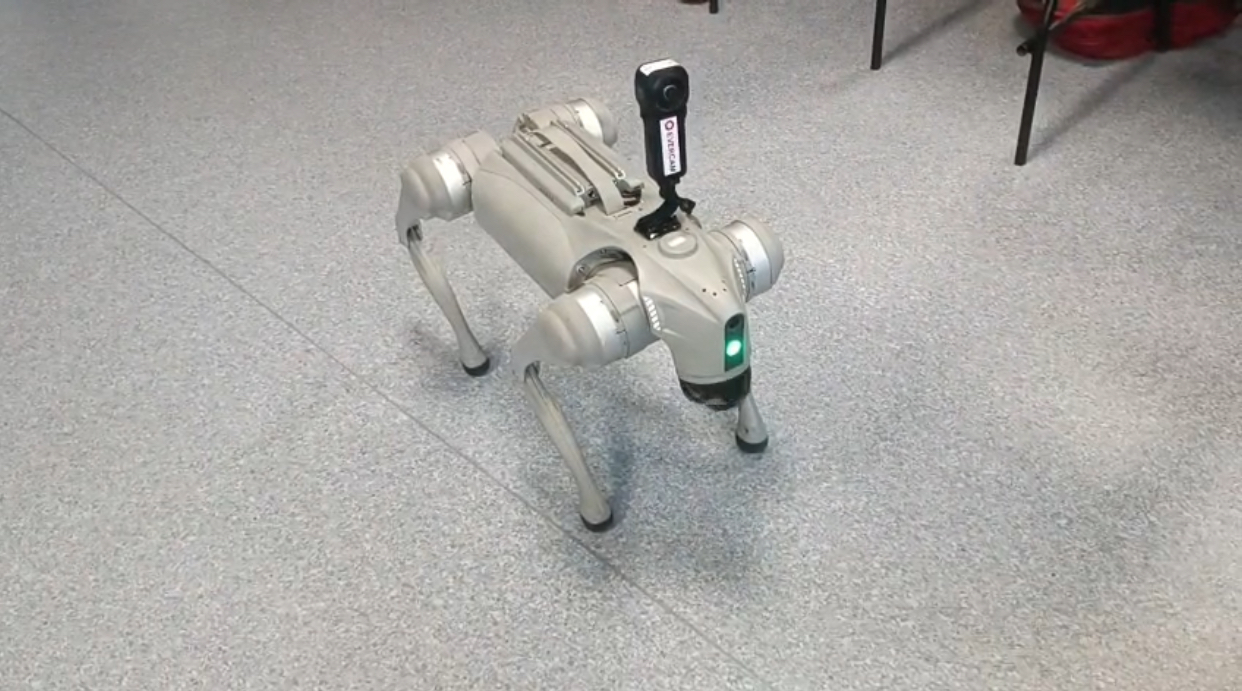
- 360-degree cameras - Compare immersive site captures with 3D design models
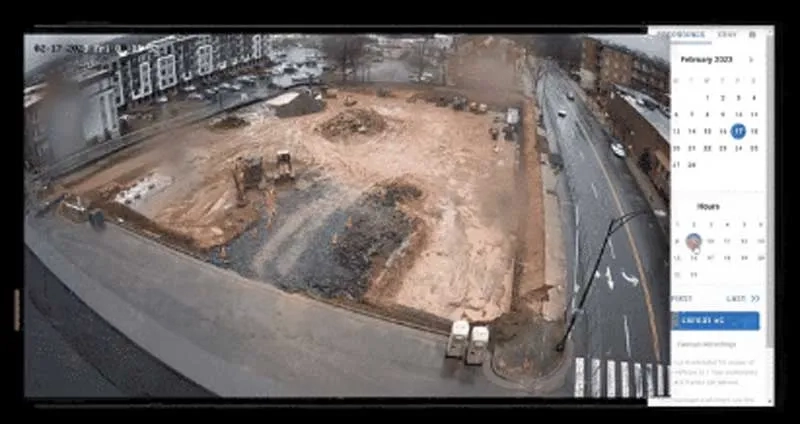
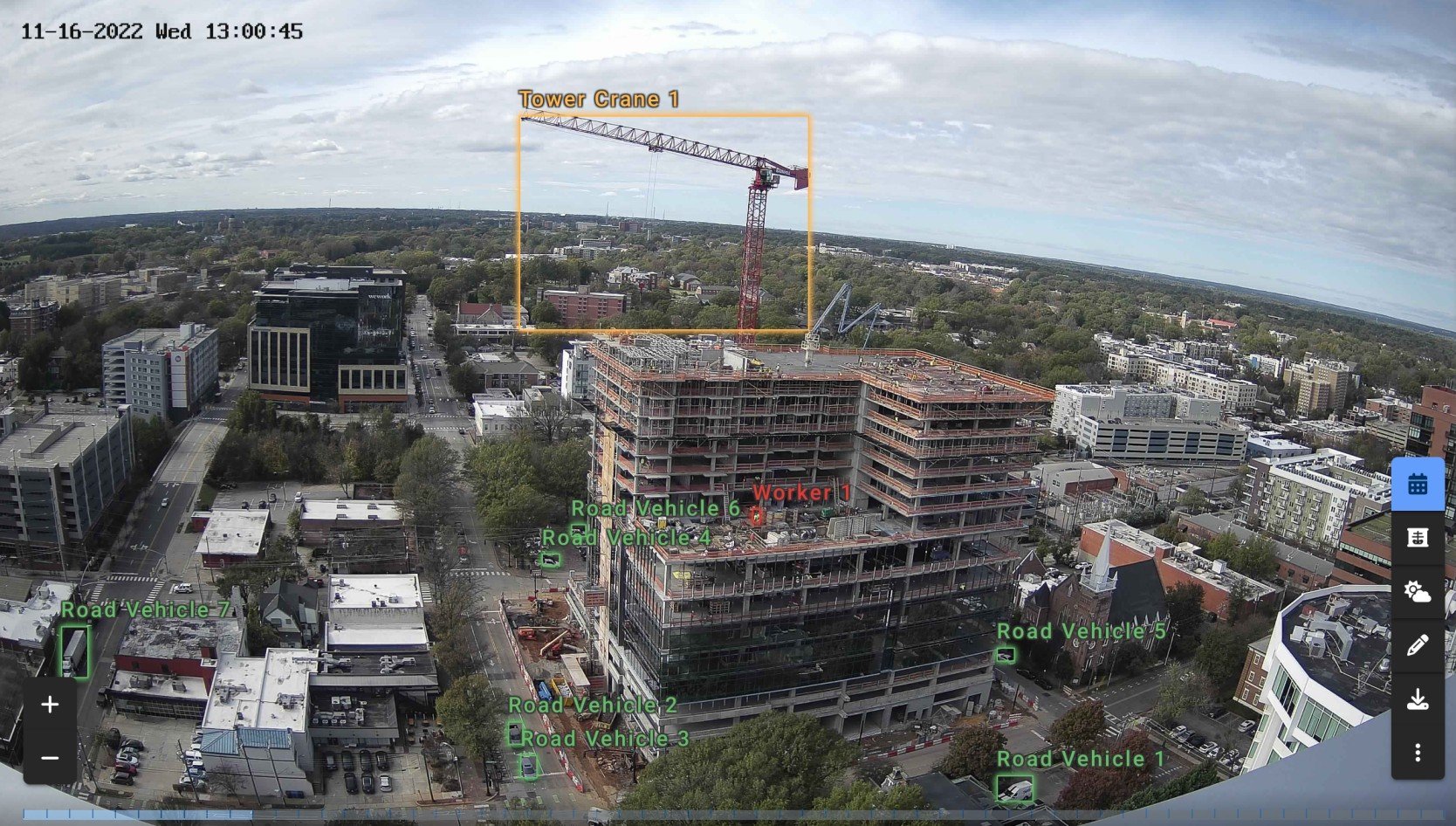
- Fixed cameras - Synchronize views between stationary camera positions and BIM models
By leveraging Autodesk Forge, Evercam bridges the critical gap between design intent (BIM) and site reality (camera footage)�transforming static 3D models into live, interactive tools for monitoring construction progress, verifying installation accuracy, and improving project coordination.
How Evercam Uses Autodesk Forge
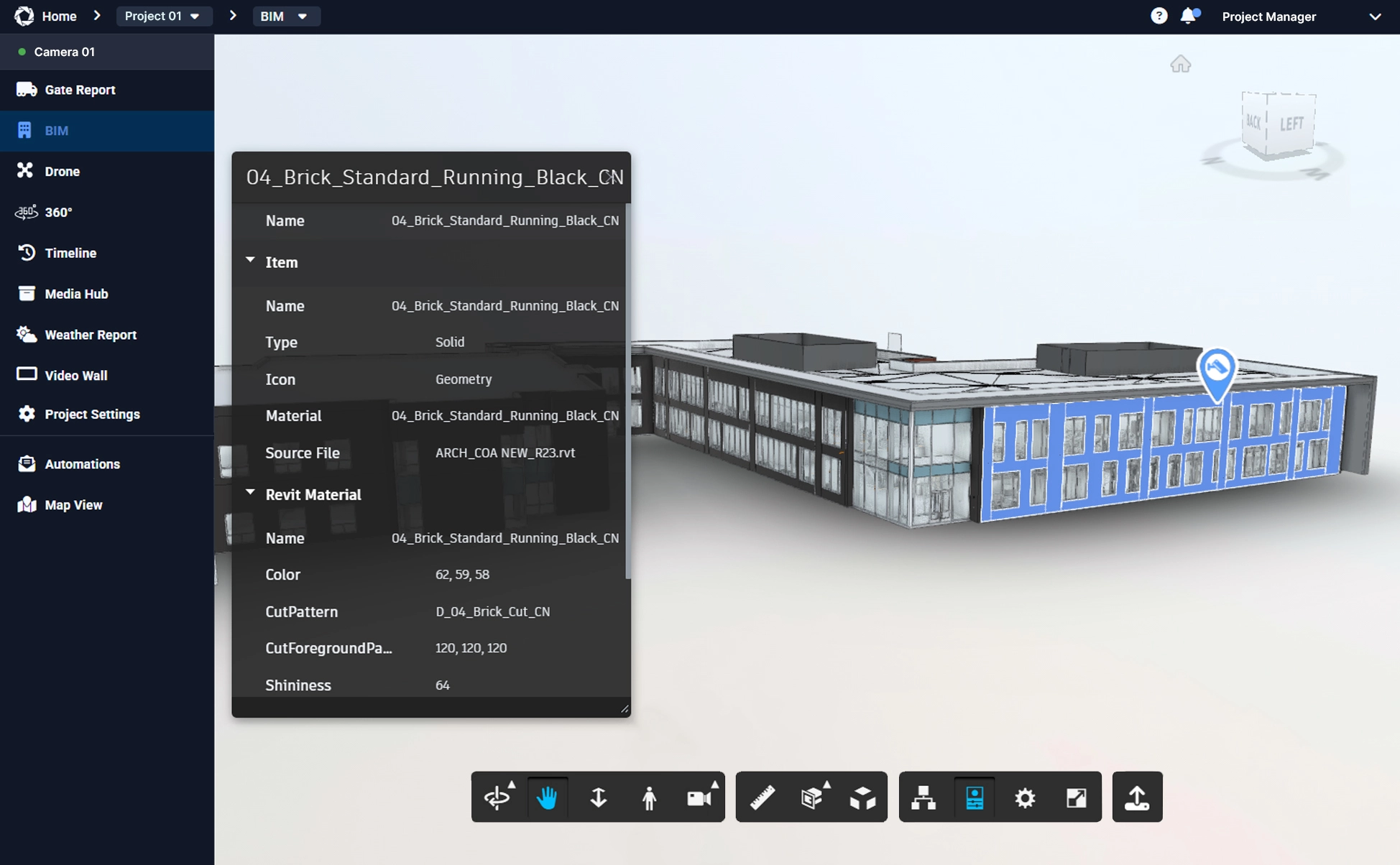
- Integrated Model Display: View BIM models directly within the Evercam interface
- Real-time Comparison: Compare 3D models with live or recorded camera footage
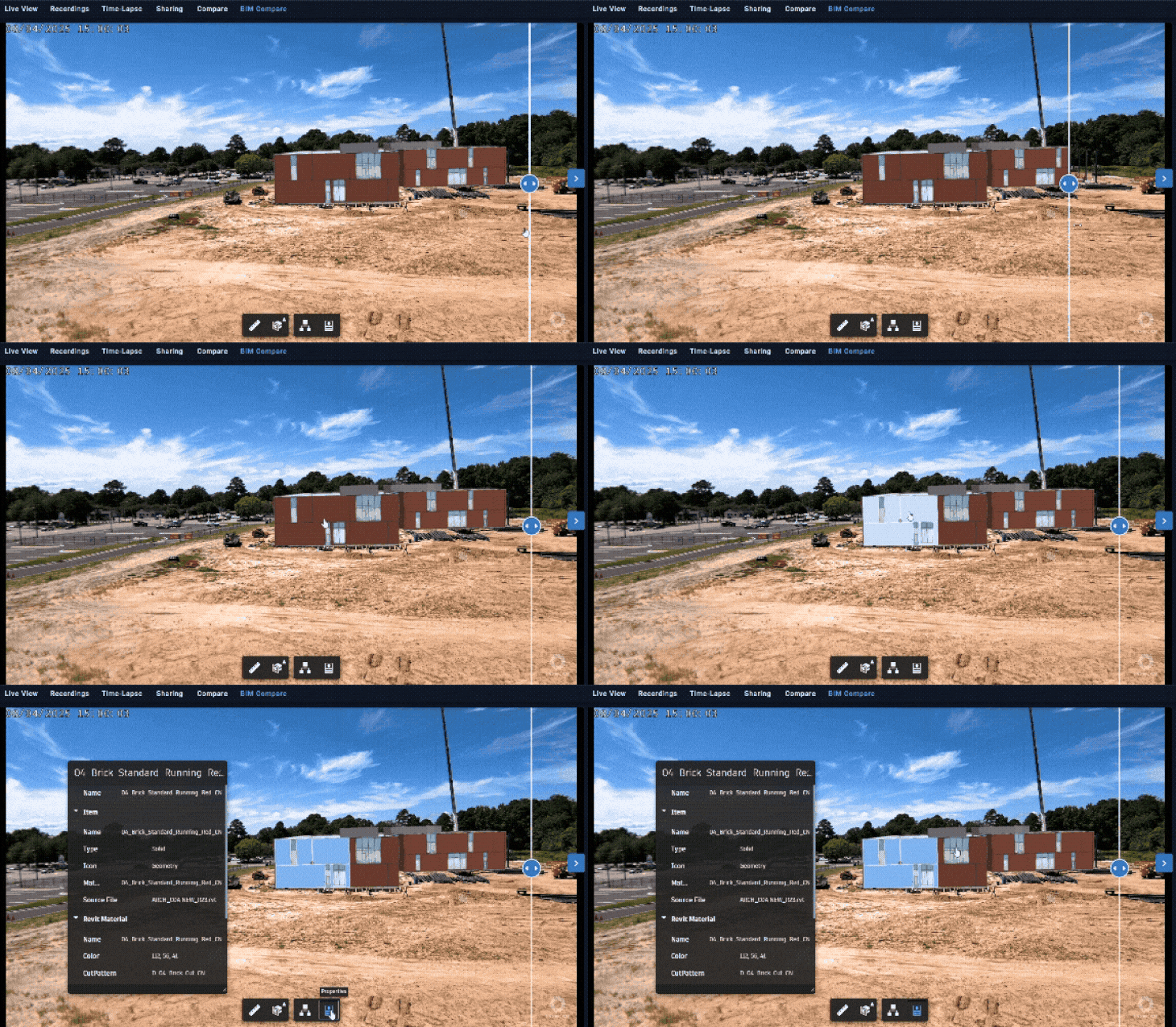
- Interactive Navigation: Zoom, pan, rotate, isolate elements, and select objects to view detailed properties
- Synchronized Views: Align perspectives between 3D models and fixed-position cameras on-site through precise camera markers
Teams can now inspect model elements, access comprehensive element properties, and navigate large BIM files directly within Evercam�eliminating the need for additional software. This reinforces our commitment to integrating BIM into daily site operations and providing the actionable data needed for informed decision-making.
Enhanced Performance Features
Our Forge-based BIM viewer automatically caches critical model components in the user's browser after the initial full model load. As long as browser cache remains intact, the viewer can rapidly retrieve and display cached model data in subsequent sessions, significantly improving load times and providing faster access to essential design elements during repeated use.
[evercam_testimonial]"From start to finish, we utilized Building Information Modeling for everything�from design clash detection to shop drawing generation and as-built documentation. This significantly enhanced efficiency and precision throughout the design-build process."Aaron Nicklaus King Project Manager, STT GDC Philippines[/evercam_testimonial]
Want to Learn More?
Contact us to discover how Evercam's BIM Integration can transform your construction monitoring workflow.