


A 360° walk captures the progress of a project at a specific milestone, documenting the entire space with a visual understanding so complete it's as if you are standing right there. It transforms a scattered album of images into a seamless, immersive experience. You get all the details, in every direction, making it the ultimate tool for remote inspections, stakeholder updates, and progress documentation. While a high-quality 360° camera is essential, it's only one part of the equation. Many users overlook the single most critical factor that determines the quality of a 360° capture: Lighting. Lighting profoundly impacts a 360-degree capture quality because the camera records everything in a spherical view. There is no corner, no background, and no direction to hide poor lighting, harsh shadows, or distracting reflections. Proper lighting is crucial for achieving:
- Even Exposure: Eliminating overexposed (too bright) or underexposed (too dark) patches.
- Clarity: Ensuring fine details like labels, connections, or material textures are visible.
- Seamless Immersion: Creating a final image that feels natural and easy to navigate.
Best Practices for Lighting
1. Walk with Natural Light (The Best Option)
We always recommend performing your 360° walk in broad daylight. Natural light is typically the most diffuse, bright, and even light source available, providing the best quality output and the most accurate representation of the site.
2. Augment Dark Interiors with Artificial Light
If your capture area doesn't receive sufficient natural light common in interior spaces like data centers, storage facilities, or utility closets—then artificial lighting is a must. Use the existing facility lights to augment the space and achieve even exposure.

3. The Portable Solution
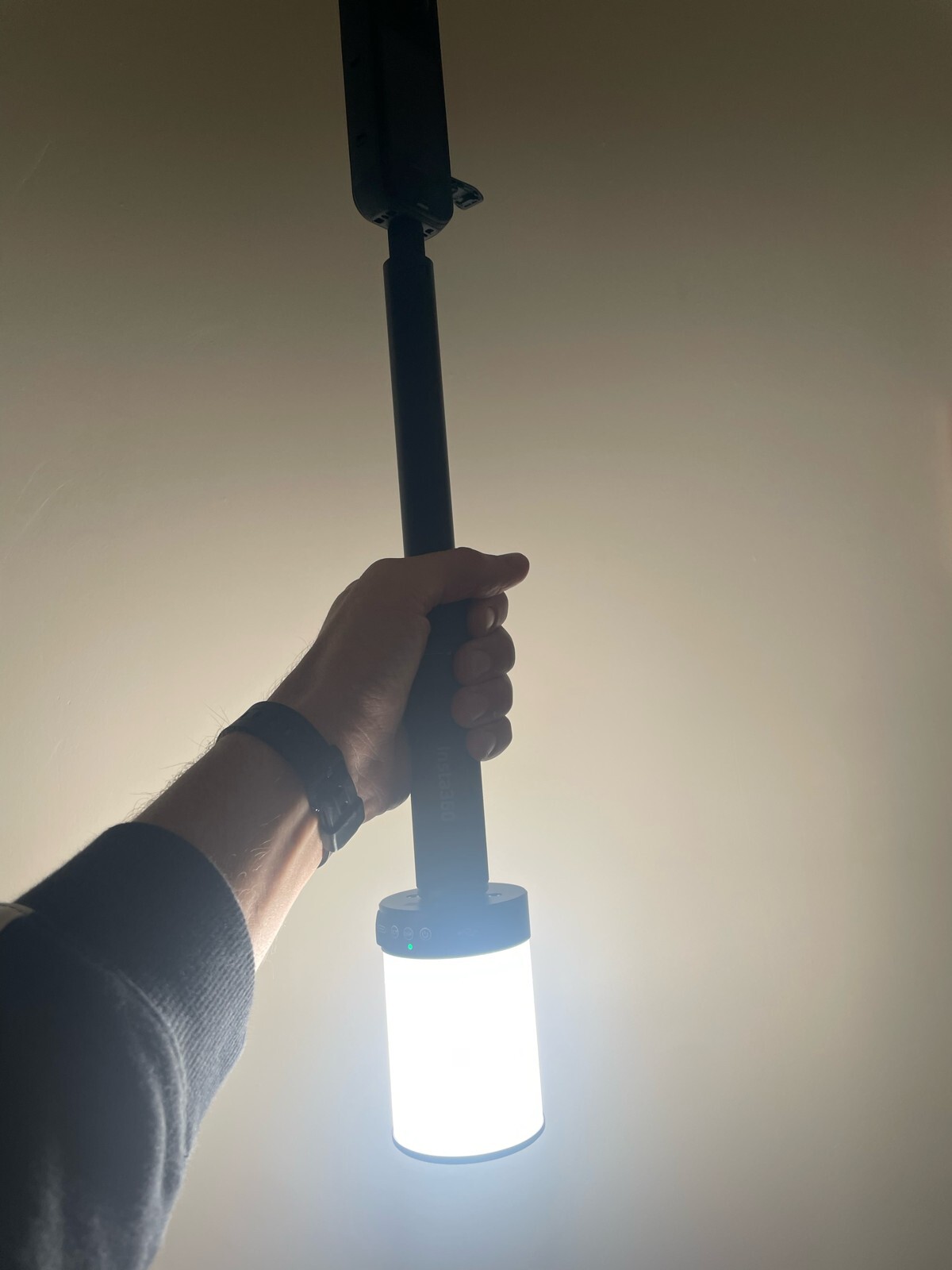
What about sites where construction is so early that electricity isn't yet available or the lights just aren't bright enough? In these critical cases, we recommend using a portable light source specifically designed to work with 360° cameras to enhance the light during the walk for better image quality. For example, the Bushman Panoramic's HALO 360 light is an excellent accessory to use when documenting a room with inadequate or nonexistent lighting, ensuring you get bright, high-quality captures every time.
A 360° walk isn't just about taking a picture; it's about creating a perfect visual record. By mastering the light, you master the quality of your documentation.