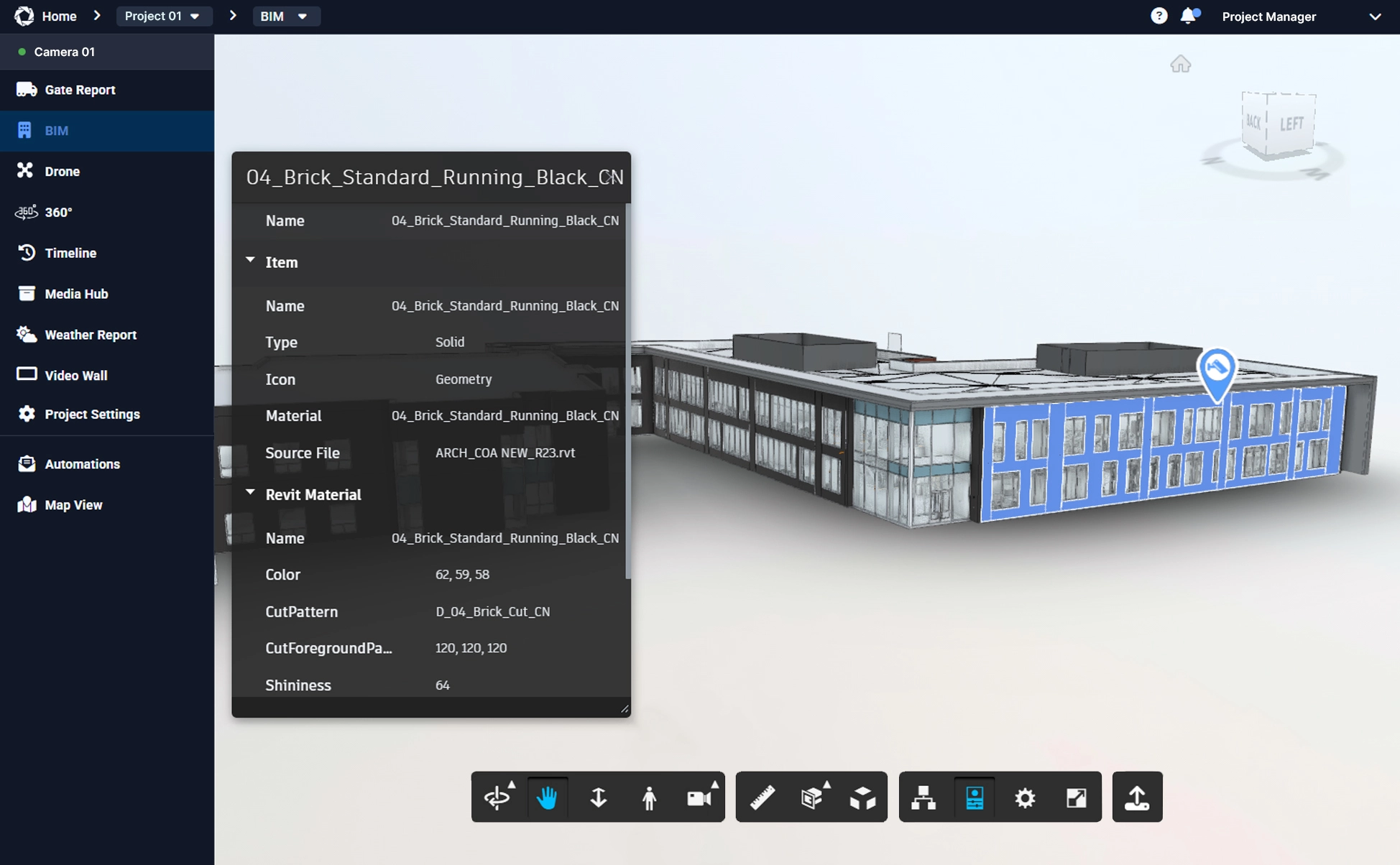
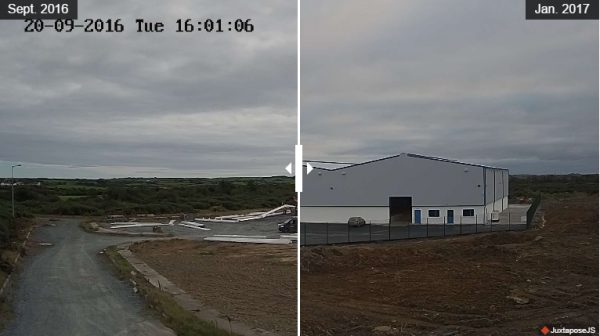
Before and After on Some of Our Favourite Projects
Explore the before and after transformations of our favourite projects. See how our technology brings construction stories to life.
Instructions
If you intend to use this component with Finsweet's Table of Contents attributes follow these steps:
Remove the current class from the content27_link item as Webflows native current state will automatically be applied.
To add interactions which automatically expand and collapse sections in the table of contents select the content27_h-trigger element, add an element trigger and select Mouse click (tap)
For the 1st click select the custom animation Content 27 table of contents [Expand] and for the 2nd click select the custom animation Content 27 table of contents [Collapse].
In the Trigger Settings, deselect all checkboxes other than Desktop and above. This disables the interaction on tablet and below to prevent bugs when scrolling.
We use cookies to ensure that we give you the best experience on our website. If you continue to use this site we will assume that you are happy with it.