Contact us

Thank you! Your submission has been received!
Oops! Something went wrong while submitting the form.

Using Evercam Images in the Construction Progress Report

Learn how St. Columbas is enhancing its construction progress report with powerful images, before & after animations from Evercam's cutting-edge technology.

Instructions
If you intend to use this component with Finsweet's Table of Contents attributes follow these steps:
  1. Remove the current class from the content27_link item as Webflows native current state will automatically be applied.
  2. To add interactions which automatically expand and collapse sections in the table of contents select the content27_h-trigger element, add an element trigger and select Mouse click (tap)
  3. For the 1st click select the custom animation Content 27 table of contents [Expand] and for the 2nd click select the custom animation Content 27 table of contents [Collapse].
  4. In the Trigger Settings, deselect all checkboxes other than Desktop and above. This disables the interaction on tablet and below to prevent bugs when scrolling.
Affan Qureshi

Table of contents

Affan Qureshi

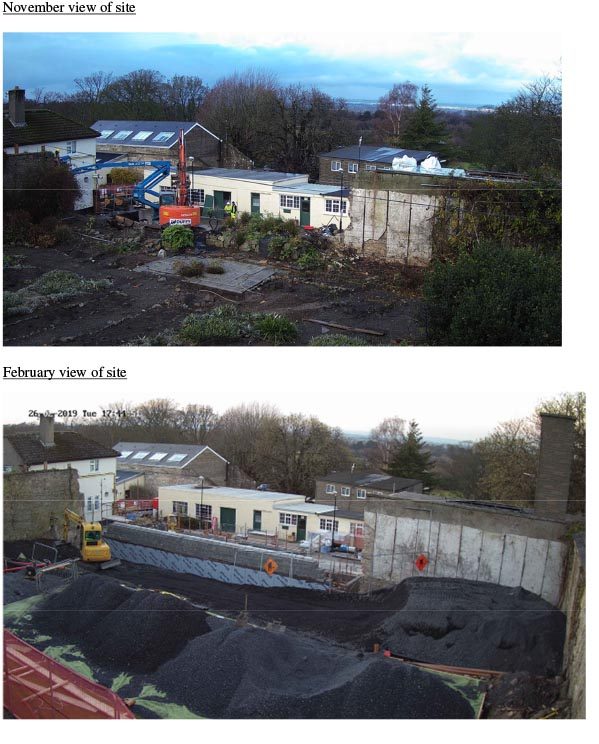
Many thanks to St. Columbas for showing how a monthly status report is brought to life with images from Evercam.

Of course, they�re also regularly sharing�Time-lapse Videos�and�Before & After Animations�to keep stakeholder�s informed.

You can read more the�St. Columbas Social Hub on their Project page.
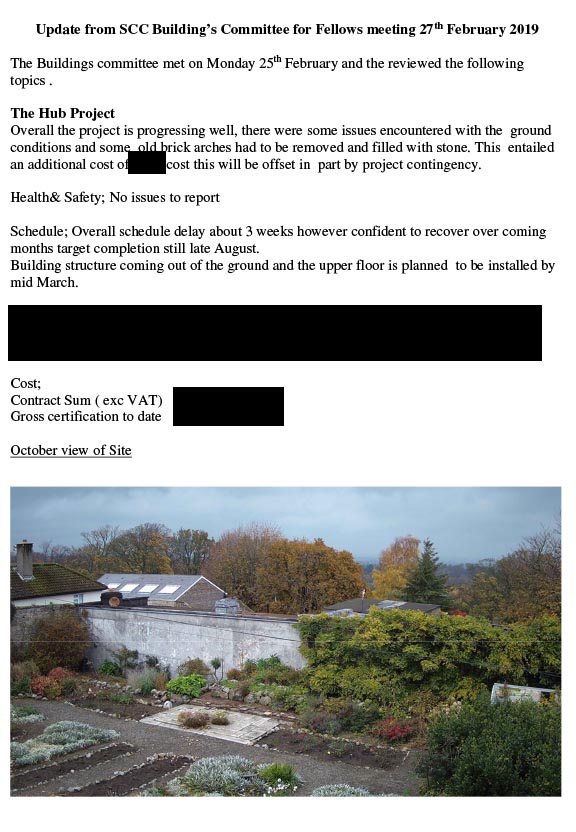
St. Columbas construction progress report

Construction Progress Report Page 1

St. Columbas view of site

Construction Progress Report Page 2

PUBLISHED ON
March 1, 2019
CATEGORY
Blog