
Evercam March Newsletter Update
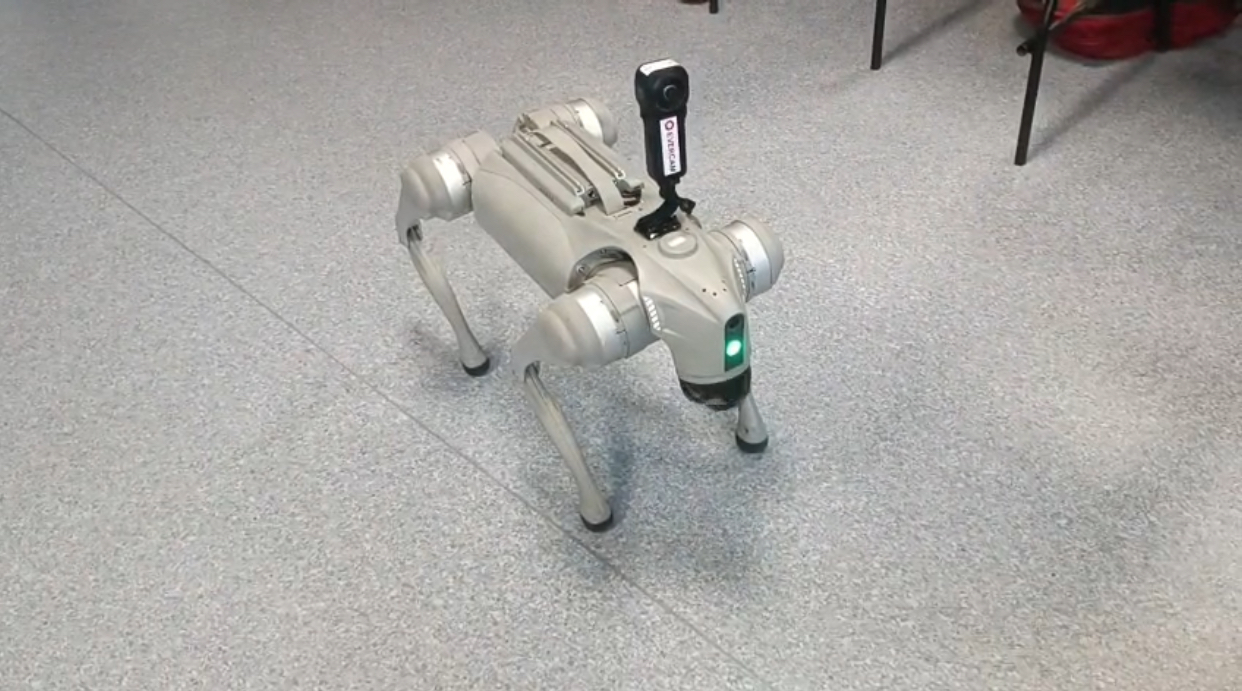
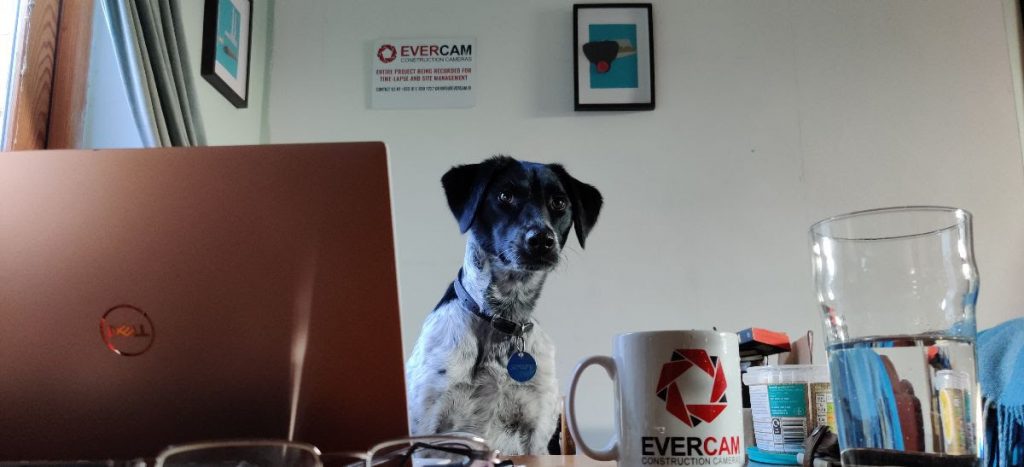
With the current global COVID-19 pandemic, as a team, we are all working virtually now. At Evercam we're adapting to working remotely, even Soupy - our office dog!
We're working to provide the best service through the Covid-19 outbreak to help our customers and their stakeholders to stay connected.
It is critical to keep everyone connected, informed and engaged. Luckily, there are plenty of tools to help you to stay connected while working from home.
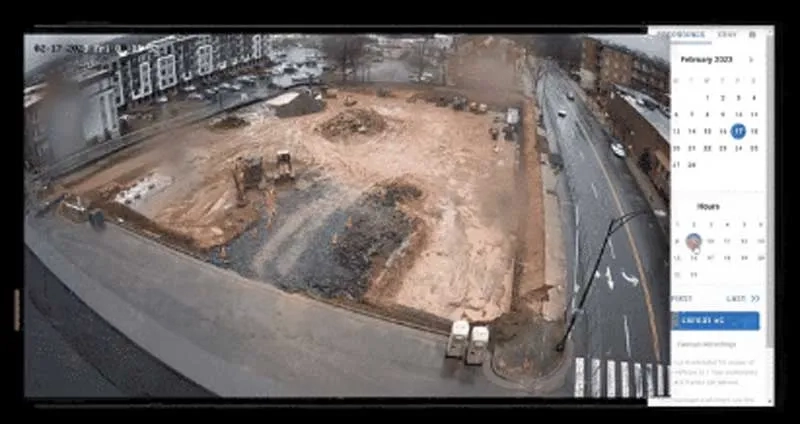
Monitor and control your projects from anywhere with�Evercam. You can use our tools such as�Snapmail,�Recordings, and the�Live View�to stay connected while you are working off-site.
As always, we welcome your feedback on how we can assist.
Stay safe!
Get a Live Demo of our Evercam Features
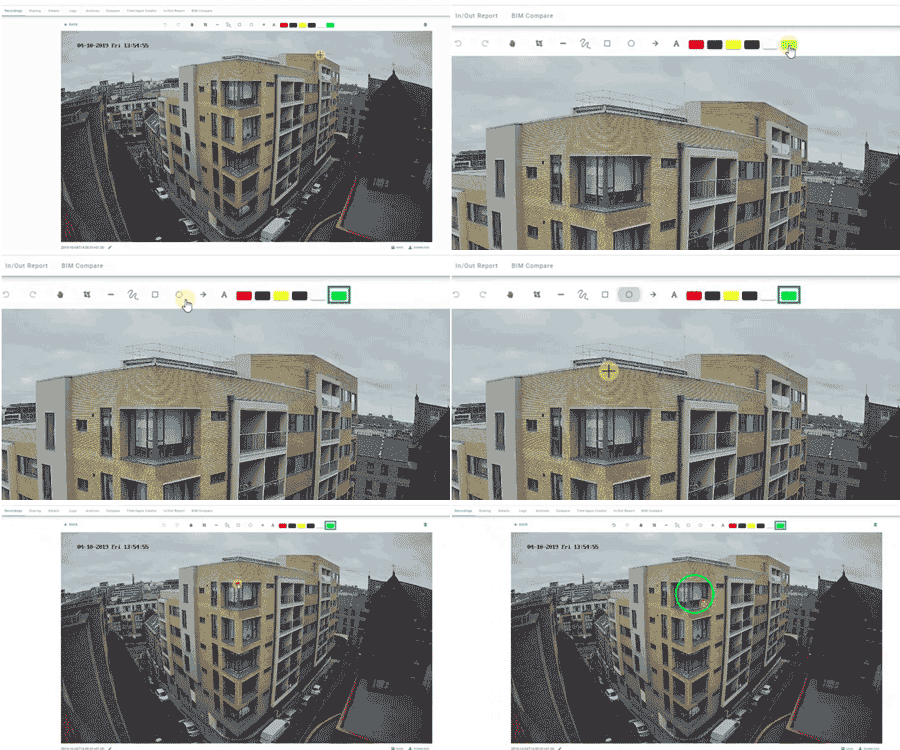
Since site visits got more complicated, our most-used feature has been the�Edit Tool.� When you need to�discuss what's happening on-site without being on-site, marking up an image from the Live or Recorded view is the way to do it.
If you're interested in adding Evercam to your site or want to know how Evercam works and how you can get the best use of it, book a personalised demo call below.
CitA Webinar Series
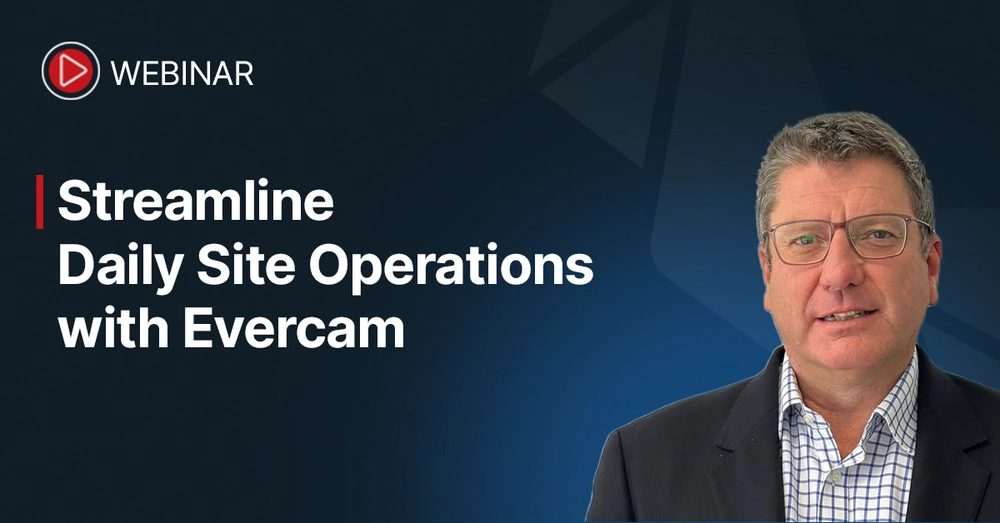
Sign up to the free CitA Webinar on April 2nd to hear our very own Vinnie Quinn discuss the benefits of using construction cameras and artificial intelligence on site.
We hope to see you there!

Stay tuned for more updates from Evercam!
https://twitter.com/evrcm/status/1243569793497694210
Subscribe to our newsletter
By subscribing to our newsletter we promise to keep you posted on what�s going on in the world of construction cameras and project management.
Our newsletter will appear once a month � subscribing won�t cost anything and you can easily unsubscribe any time!