
Contact us

Thank you! Your submission has been received!
Oops! Something went wrong while submitting the form.

Evercam integrates with SAP MII Self-Service Composite Environment

Together with Neoris, a leading solution extender for MII, we�ve taken advantage of this new feature to enable camera integration. Read more.

Instructions
If you intend to use this component with Finsweet's Table of Contents attributes follow these steps:
  1. Remove the current class from the content27_link item as Webflows native current state will automatically be applied.
  2. To add interactions which automatically expand and collapse sections in the table of contents select the content27_h-trigger element, add an element trigger and select Mouse click (tap)
  3. For the 1st click select the custom animation Content 27 table of contents [Expand] and for the 2nd click select the custom animation Content 27 table of contents [Collapse].
  4. In the Trigger Settings, deselect all checkboxes other than Desktop and above. This disables the interaction on tablet and below to prevent bugs when scrolling.

Table of contents

The latest release of SAP MII (officially launching in January 2015) contains, amongst many other things, the ability to add 3rd party software extensions.

Together with Neoris, a leading solution extender for MII, we�ve taken advantage of this new feature to enable camera integration.

The motto of MII is to give the business owner visibility into his factory floor and what better way to do this than to actually be able to see key events as they happen.

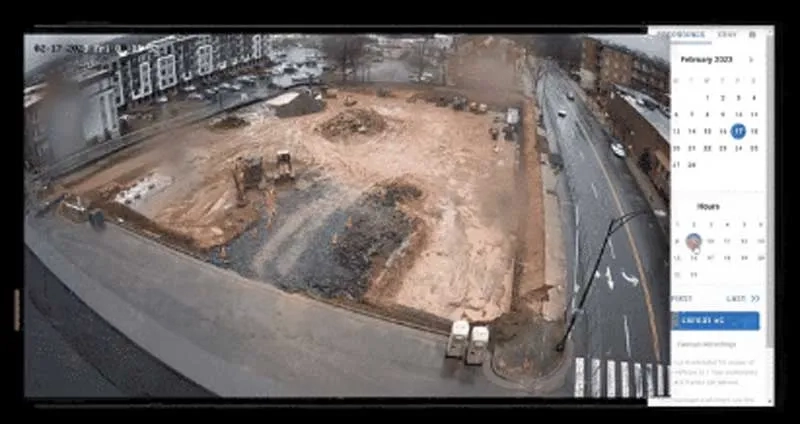
By integrating cameras, live views are made available from any Evercam connected Camera.

Full details are being made available on the SAP SDN.

Many thanks for Henry Costa from Neoris and Rajeev Kansal from SAP for their help and support � and best wishes for the SP03 release.

PUBLISHED ON
December 2, 2014
CATEGORY
Blog