Bring Visual Truth Directly into Your Procore Workflows
Procore is where construction teams manage progress, issues, and records.
Evercam is where the reality of the jobsite lives.
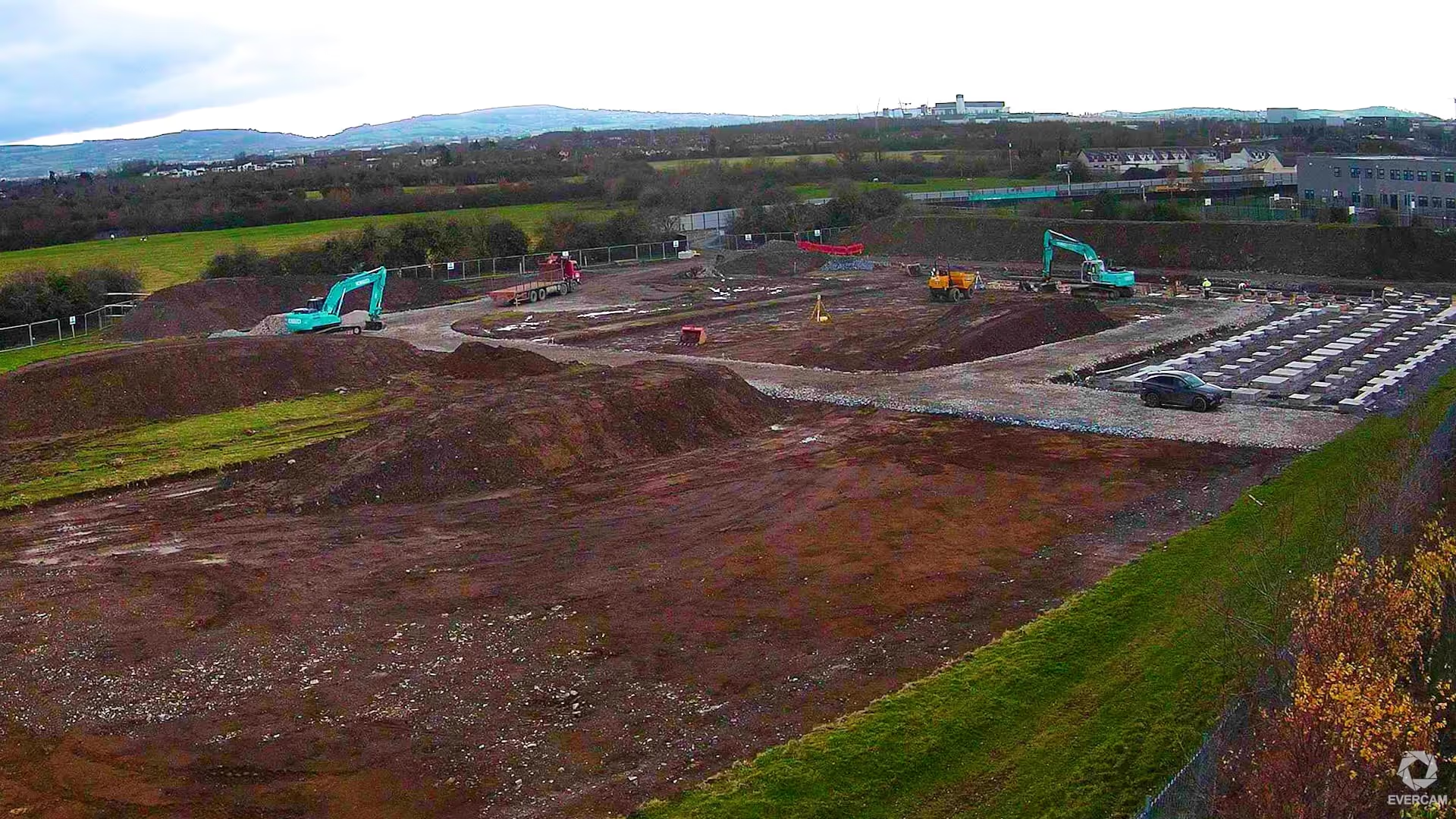
The Evercam–Procore integration connects the two — so progress, issues, and decisions in Procore are backed by time-stamped visual evidence from fixed cameras, drones, and 360 capture.
.avif)
Why This Matters on Real Projects
Most problems on site come down to the same thing:
What was reported doesn't match what actually happened.
What the Evercam–Procore Integration Enables
For more detailed technical information, please refer to our User Manual Procore Page.
Access Evercam Directly Inside Procore
Launch Evercam as an embedded app within your Procore project. No switching systems. No extra logins. Site reality is available exactly where project decisions are made.
.avif)
Send Visual Evidence to Procore
From Evercam's Mark-up Tool, capture images from fixed cameras, drones, or 360° walkthroughs and push them directly to Procore as Photos or Observations.
Automate Progress Photos
Evercam automatically sends progress photos to Procore on a schedule. No manual exporting. No missed documentation.
Evercam Widgets on Project Home
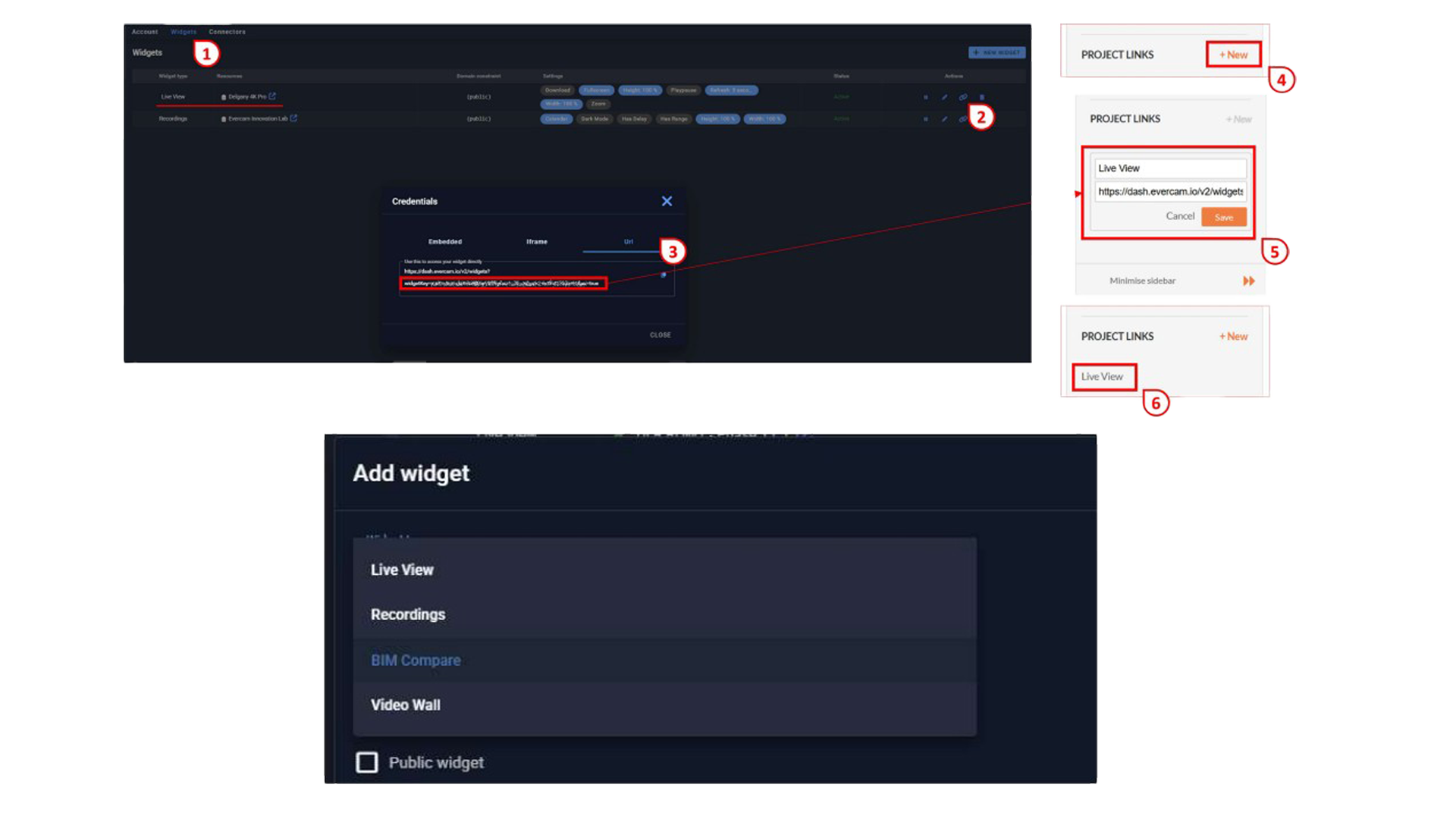
Add Evercam views directly to the Procore Project Home side panel. Evercam becomes part of the default workflow — not a separate tool to remember.
Real Workflows This Supports
From progress tracking to dispute resolution, visual evidence transforms how construction teams work.
Built for Real Construction Teams
The Evercam–Procore integration isn’t about more dashboards.It’s about connecting what actually happened on site to the systems teams already rely on to manage cost, schedule, safety, and quality.
See Your Project Clearly From Day One
Request a demo and see how Evercam improves visibility, accountability, and outcomes across your projects.